Multi-format prints
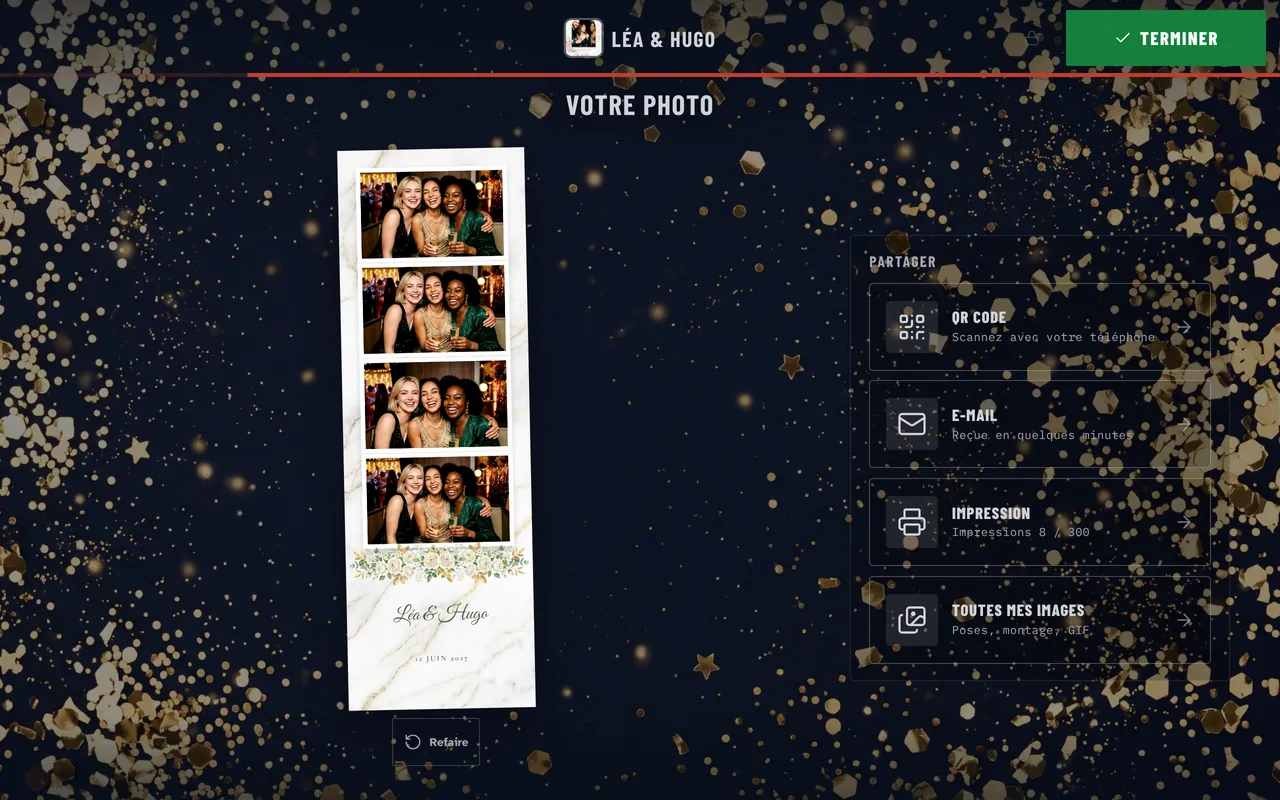
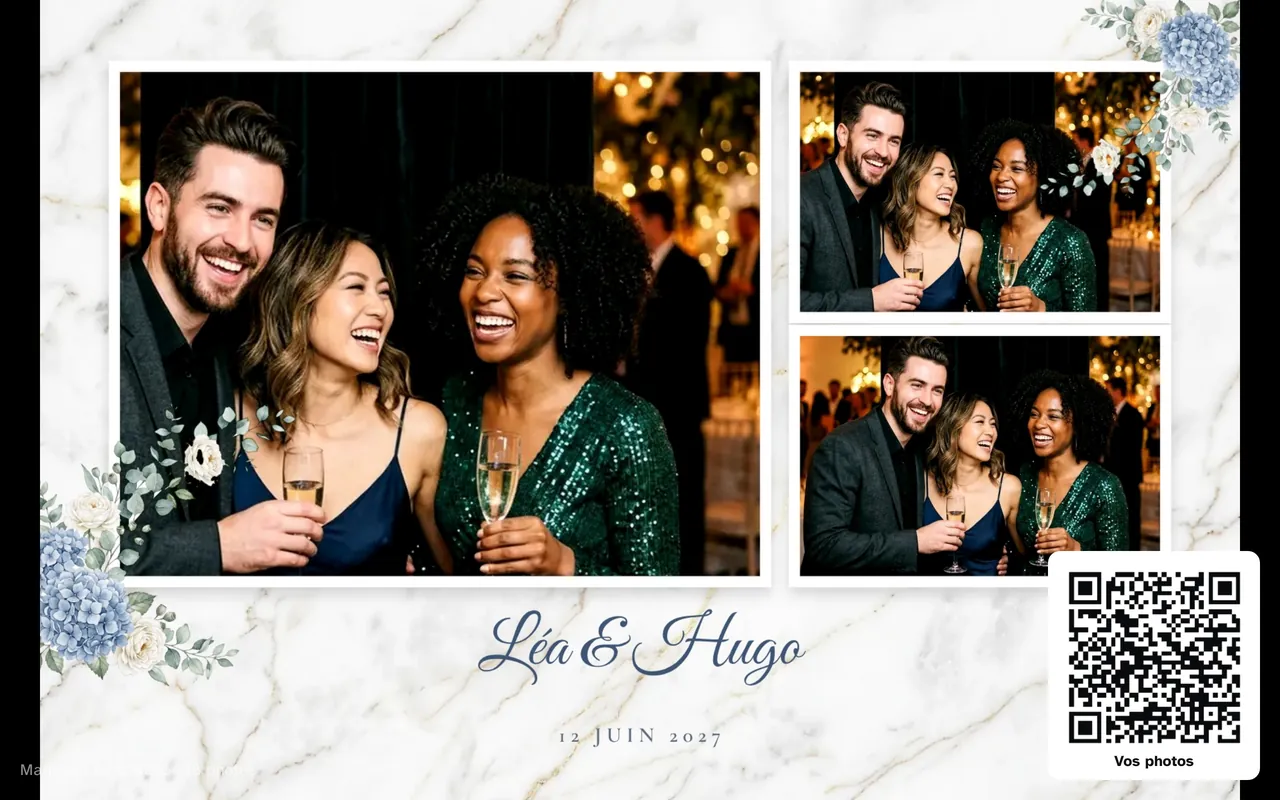
Each template sets its own format: a 4x6 print in landscape or portrait, or a 2x6 strip. Strips come out two per 4x6 sheet, ready to cut.
- Up to 6 photos per print, at 300 dpi
- DNP and Citizen dye-sub printers, or any printer installed on Windows
- A test pattern checks the framing before the event
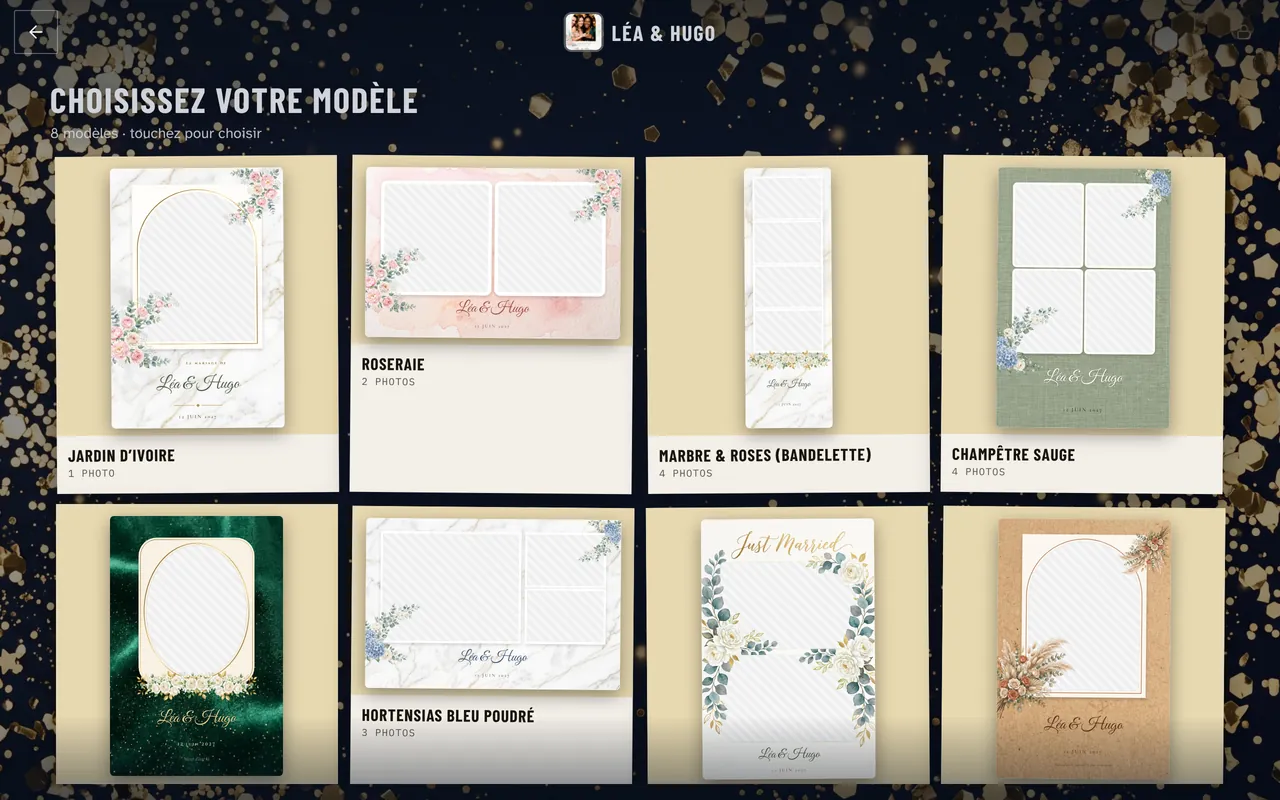
Guests pick their template
Add several templates to an event: each guest picks one on screen before posing. Over 300 templates come free. You can also send your client a link, so they pick their own template and type in their names.
- Over 300 free templates: weddings, birthdays, Christmas, neon, art deco…
- Names and date fill in automatically for each event
- Client link: the couple picks their template, you approve it
Online template editor
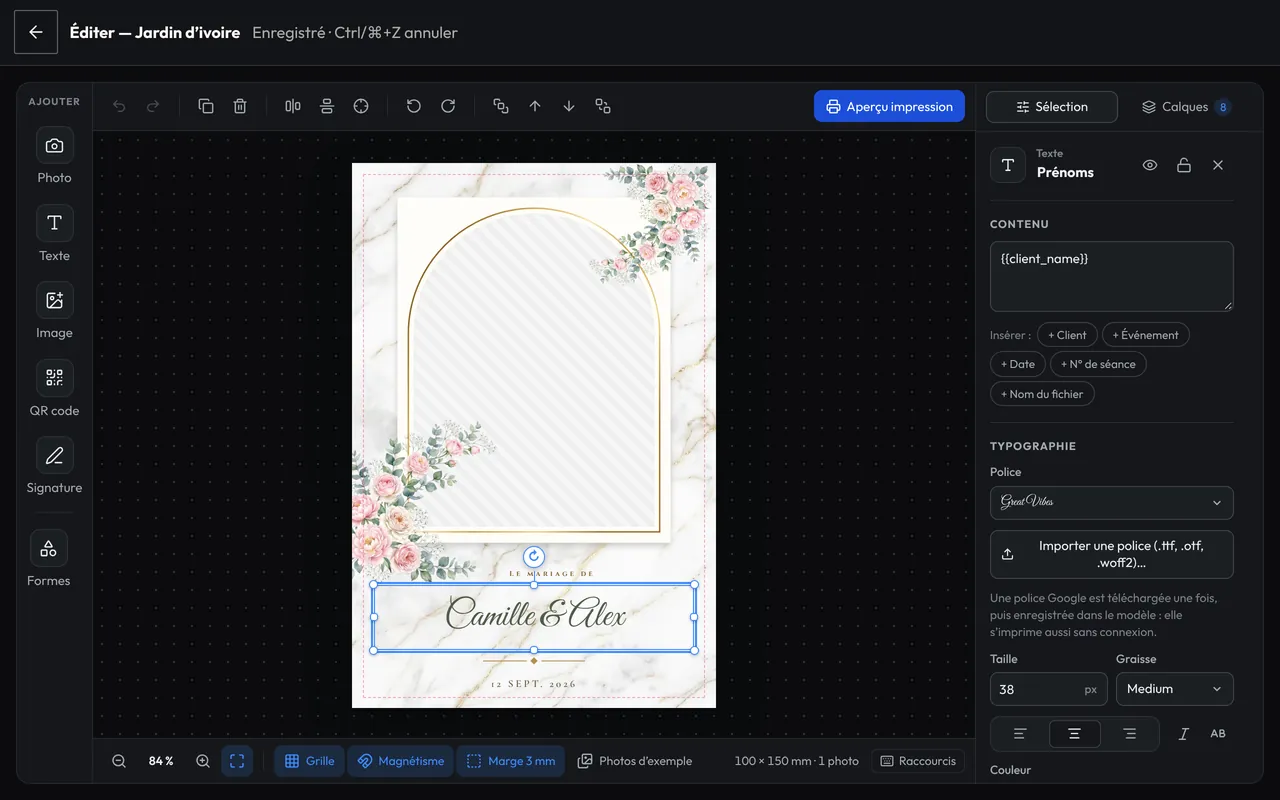
Build your templates in the browser or on the booth, with the same editor: background, frame, photo windows and text with the couple’s names. Already have your own frames? Import them as PNG. Froozbooth finds the photo slots on its own, transparent or painted green.
- Export as PNG and layered PSD, for Canva and Photoshop
- Ten fonts, shapes, images and variable text
- What guests see on screen is exactly what prints
Color filters
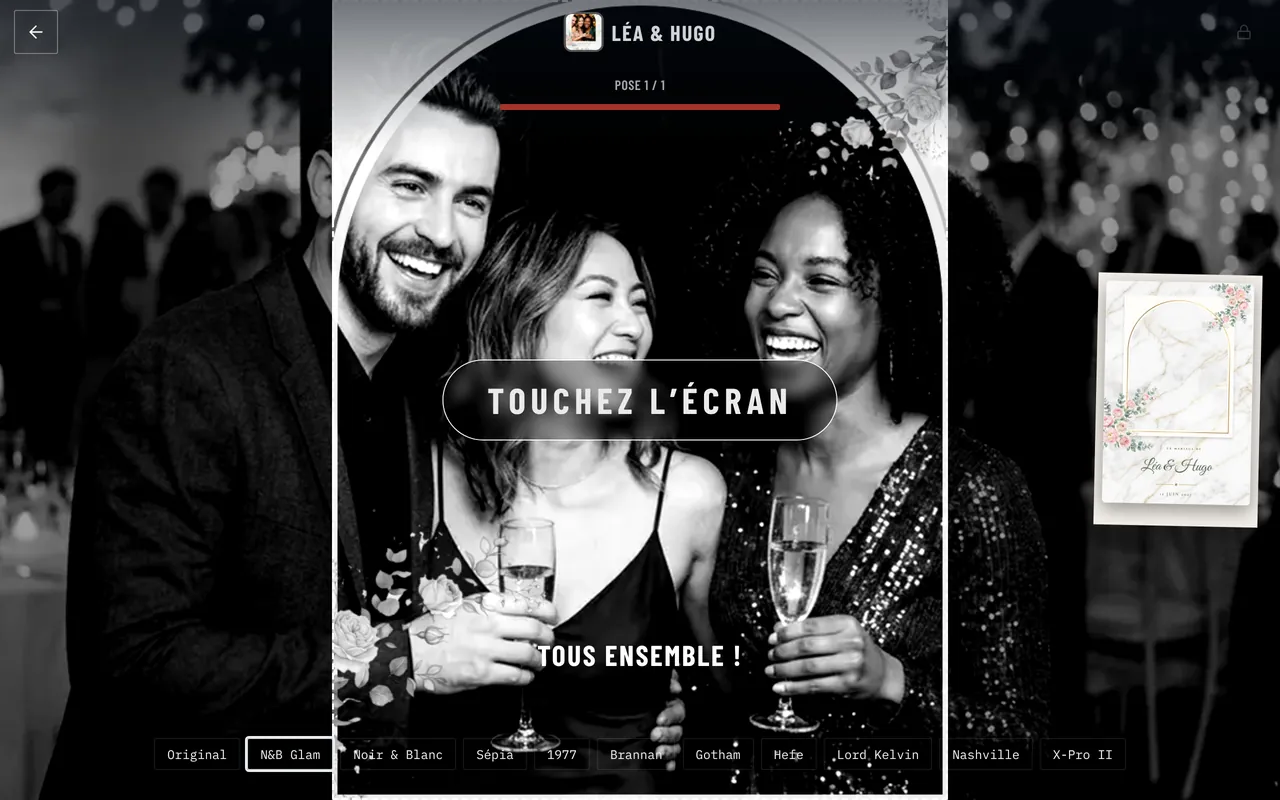
Ten filters on top of the original: B&W Glam, black and white, sepia, 1977, Brannan, Gotham, Hefe, Lord Kelvin, Nashville and X-Pro II. Set one for the whole event, or let guests pick their own on screen, before posing.
- The filter shows live on screen and applies to the print
- Light settings before the filter: exposure, contrast, saturation, temperature
- Optional watermark with your branding
Green screen
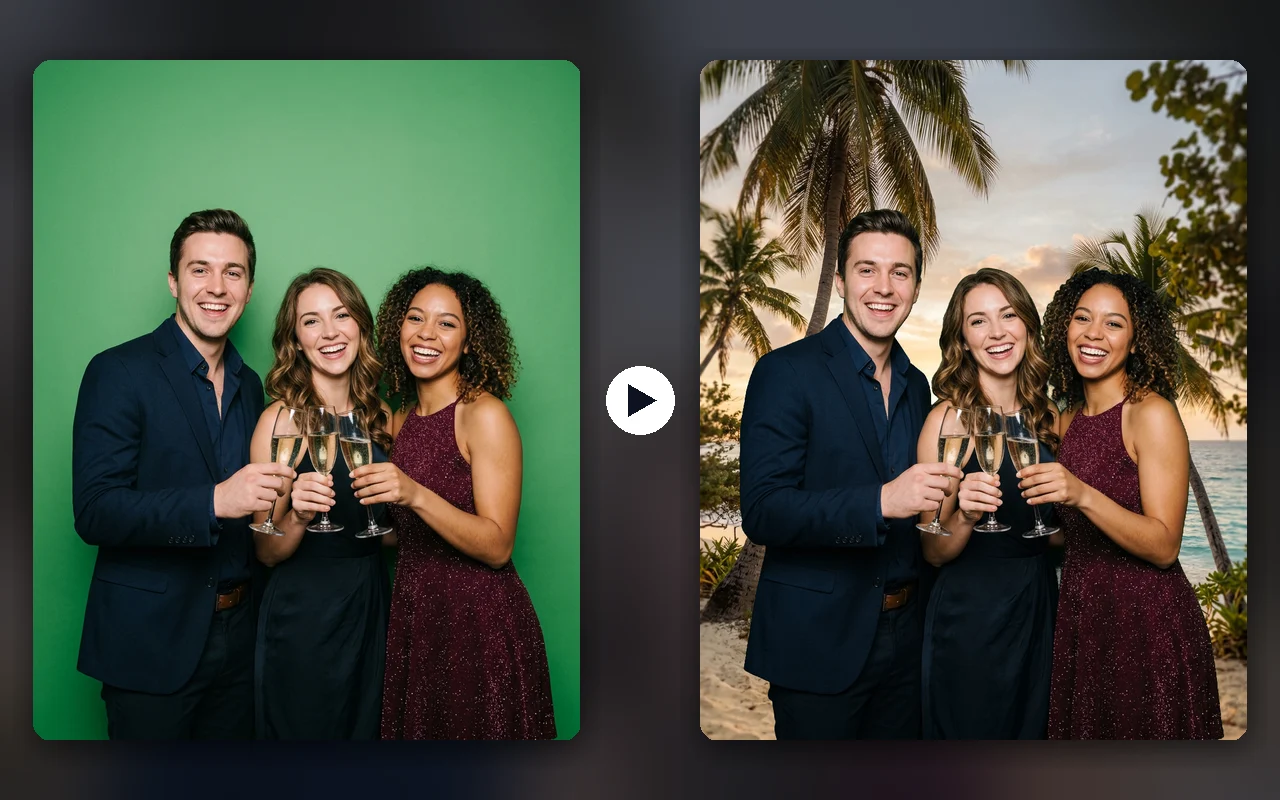
Stretch a green screen behind the guests: the booth places them on a beach, in front of a brand’s logo or in the wedding’s setting. Keying is processed in the booth, with no network, in a few tens of milliseconds per pose.
- Adjustable color, tolerance, edge softness and green spill removal
- Several backdrops: the first, or one at random each session
- The same backdrop on every pose, on the print and on the shared photo
AI portraits
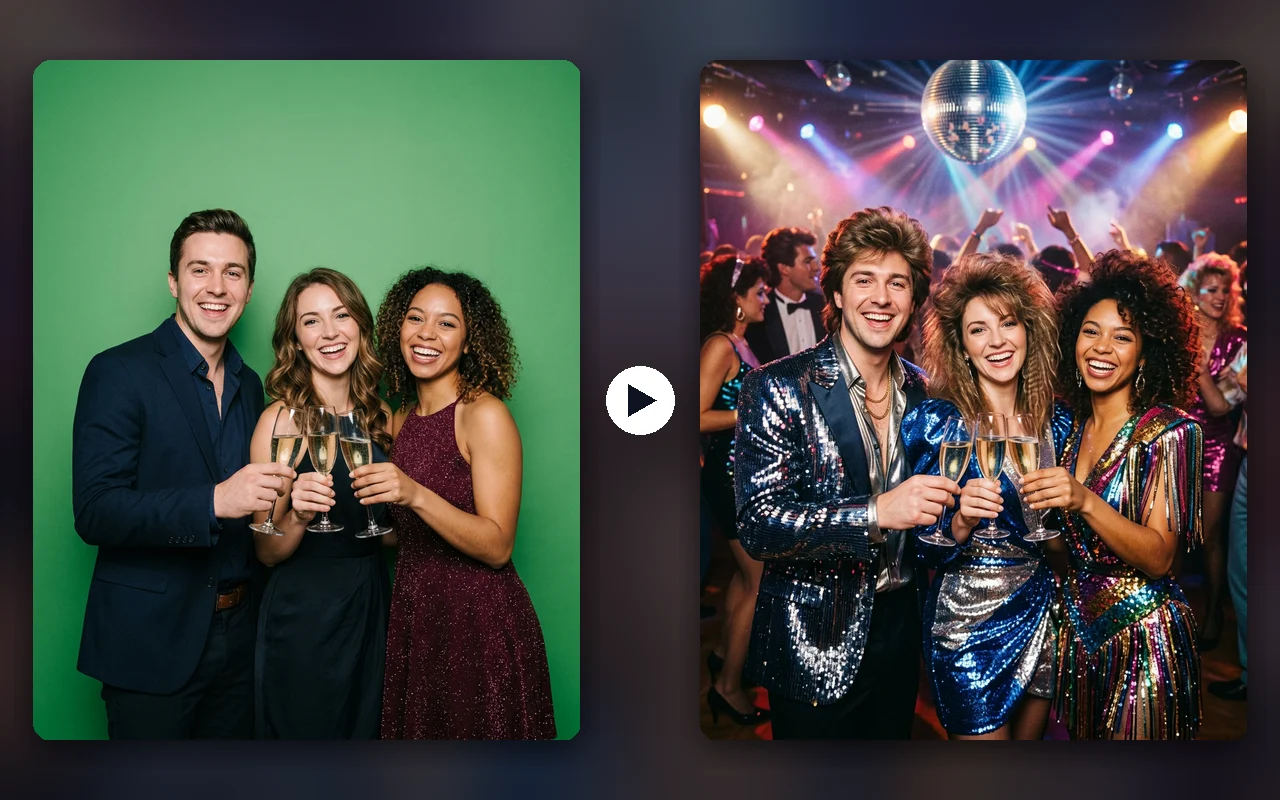
The guest poses, the booth transforms them: disco outfit, old master painting, western, or a style you write yourself. The edited portrait is placed in your template, printed and shared. Paid per portrait with prepaid credits, with no higher plan.
- Six ready-made styles, up to twelve per event
- Maximum wait and portrait cap adjustable per event
- With no network or past the time limit, the original photo goes to print
Animated GIF and boomerang
Two modes guests pick on screen, built from the session’s poses. The GIF plays them one after another on a loop. The boomerang plays them forward, then back. The GIF can also be made on top of a photo session, with no extra choice for the guest.
- 1 to 20 frames per second, adjustable width
- Sent with the photo (QR code page, email) and copied to the booth’s photo folder
- Turned on event by event
Video guestbook
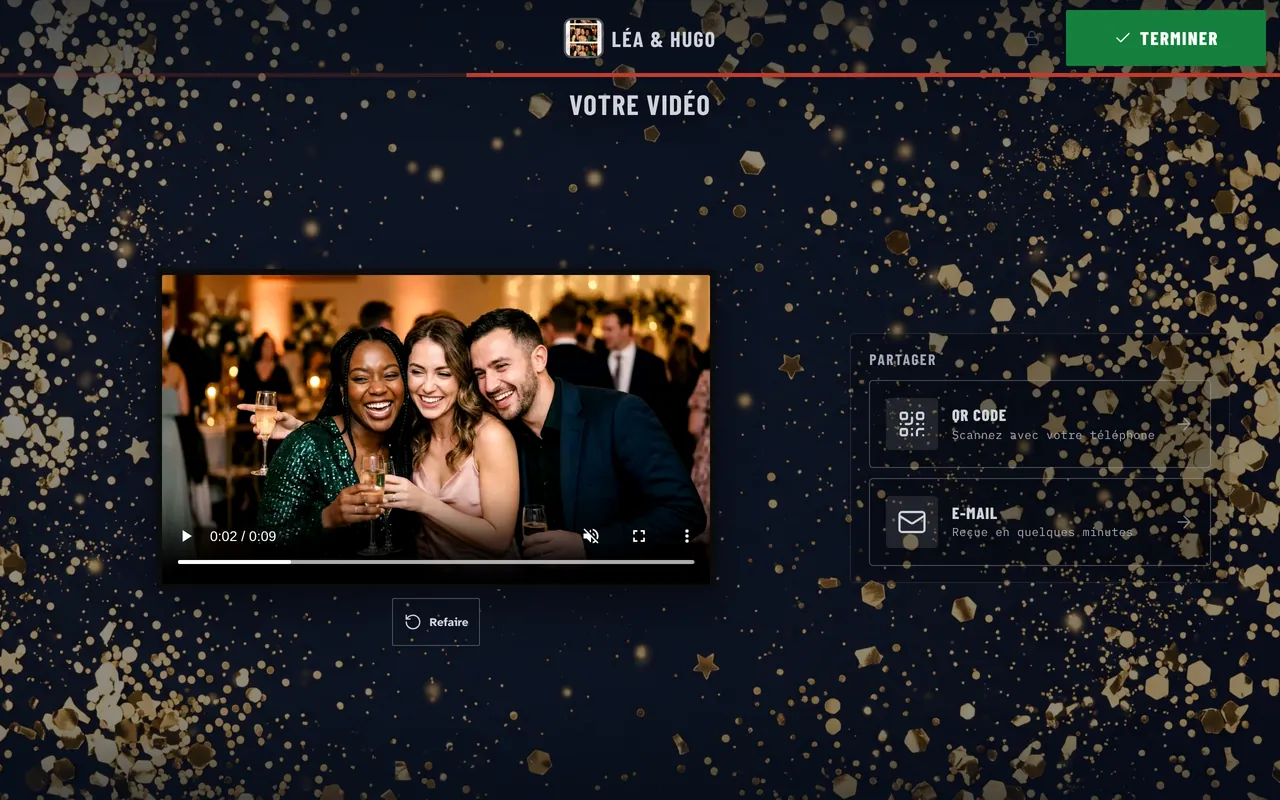
Guests leave a video message for the couple or the company, right at the booth. You set the length from 5 to 30 seconds per message.
- Adjustable maximum length, up to 30 seconds
- Shared by QR code and email
- A separate mode you can turn on or off
Intros and transitions
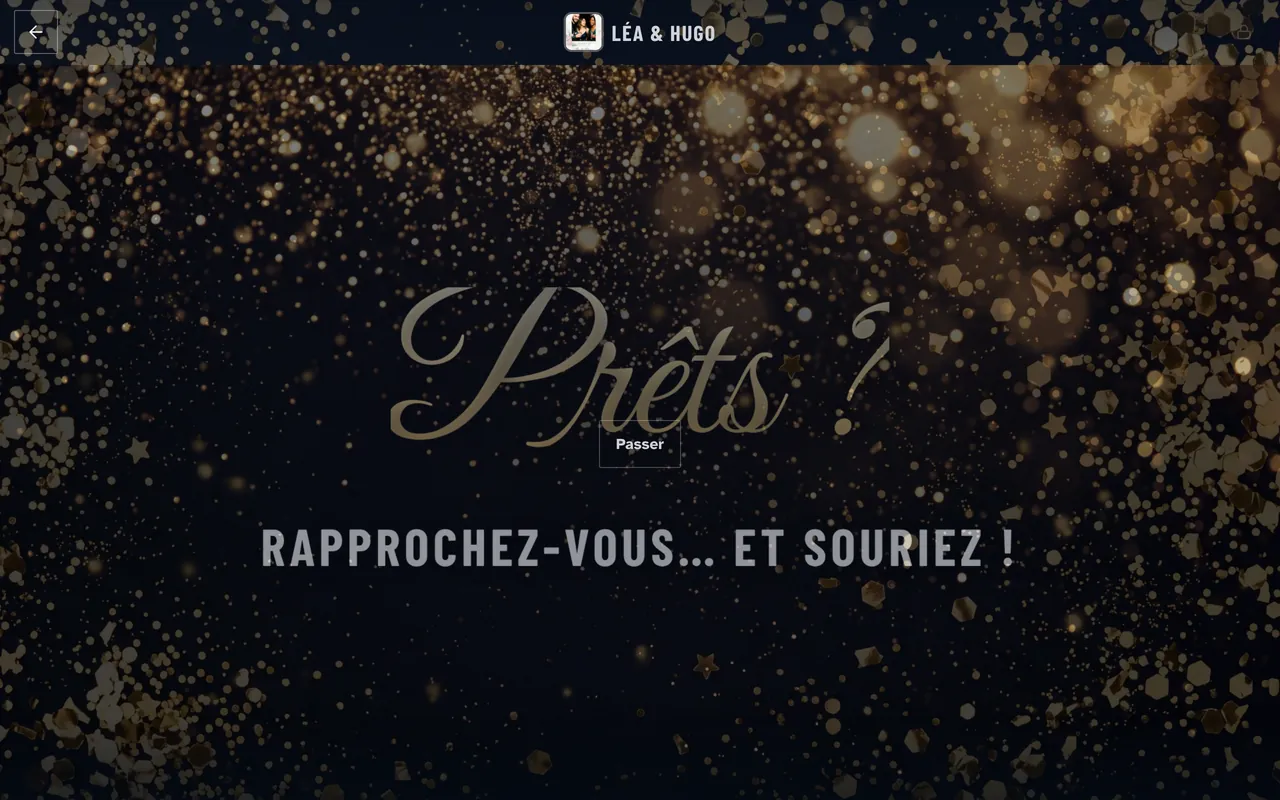
Before the first pose and between poses, the booth can show an image or a video: a note from the couple, a brand logo, an instruction. Guests skip it with one tap.
- Before the 1st pose: none, image or video
- Between poses: none, image or video
- A “Pause +5 s” button for the group between poses
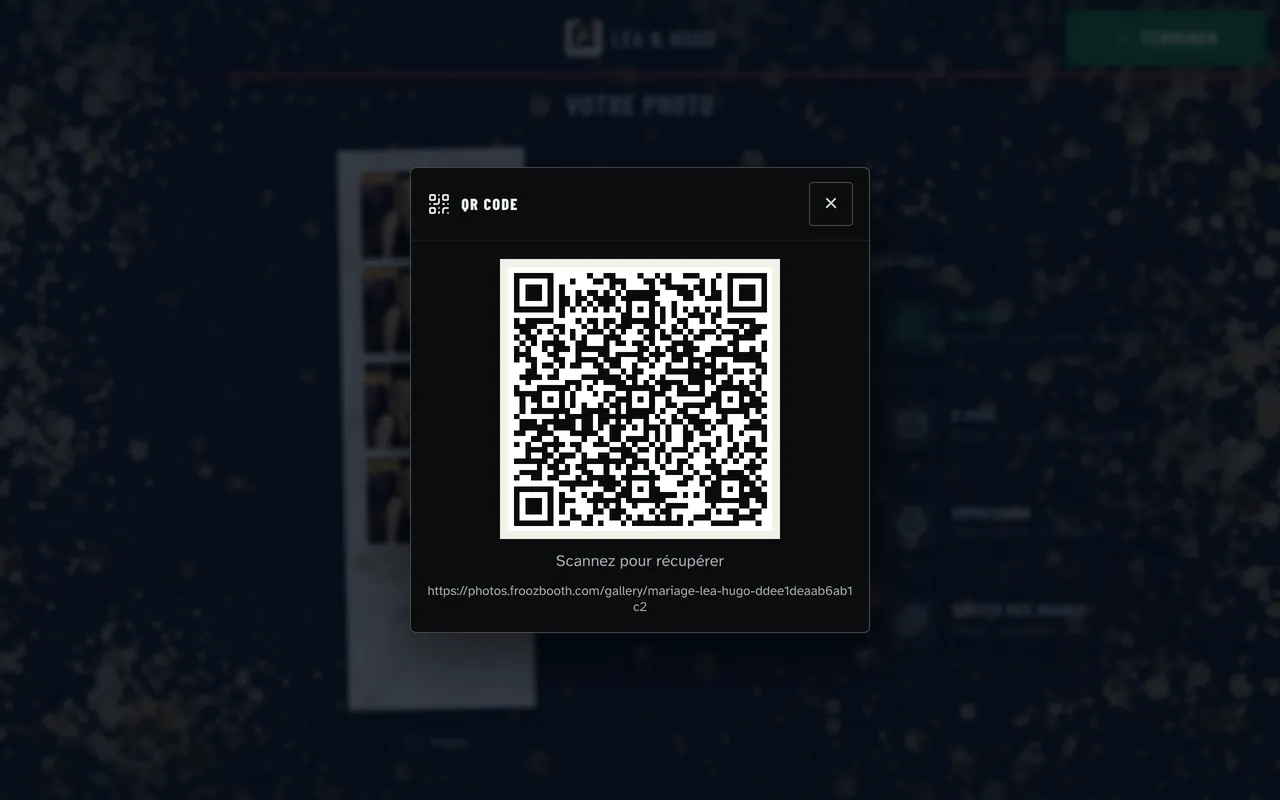
QR code
After the photo, a QR code appears. Guests scan it with their phone and find their photo on their own page, in the event gallery.
- No app for guests to install
- One page per session: guests only see their own photos
- Booth offline: the photo reaches the page as soon as the network is back
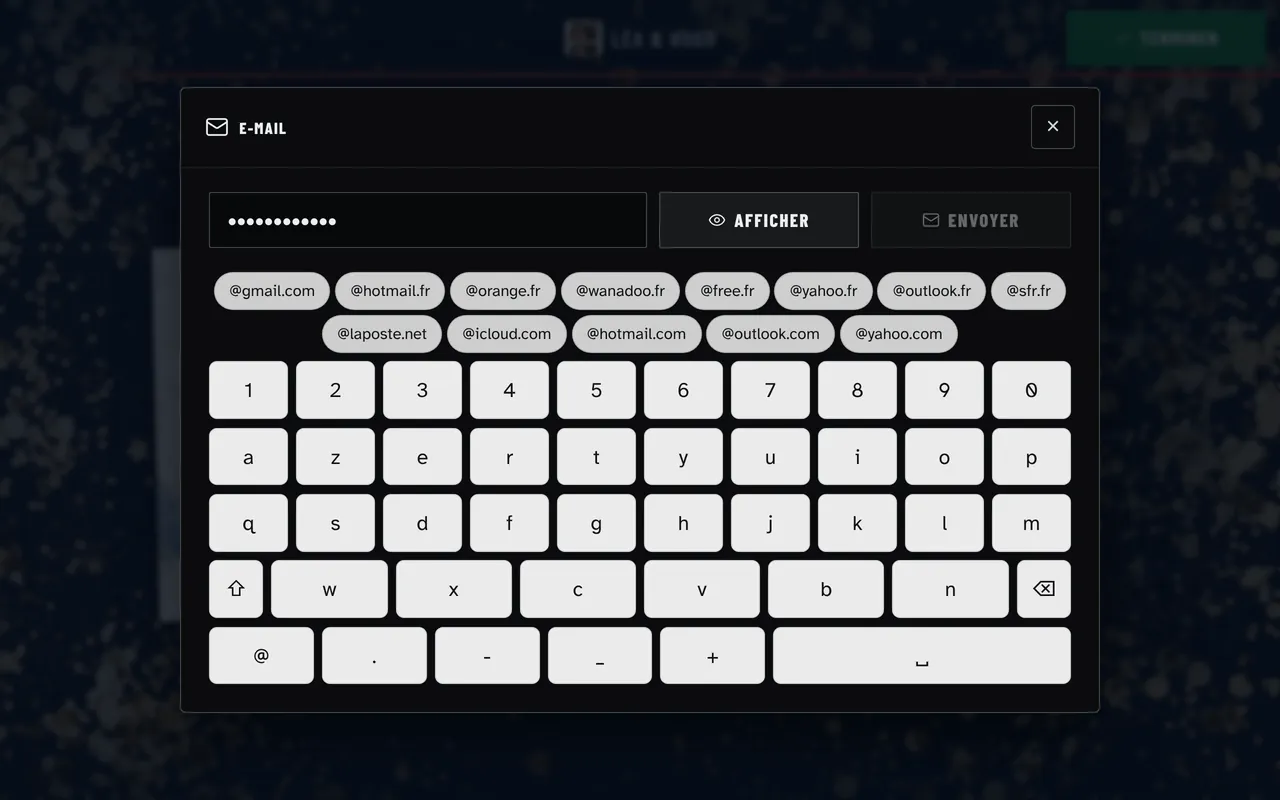
Email sharing
Guests type in their address and get their photo. You set up the email: sender name, reply-to address, logo, color, subject and message. With Cloud+, the email goes out from your own domain.
- On-screen keyboard and typo correction
- Address hidden while typing, if you want
- Failed sends stay queued and retry by themselves
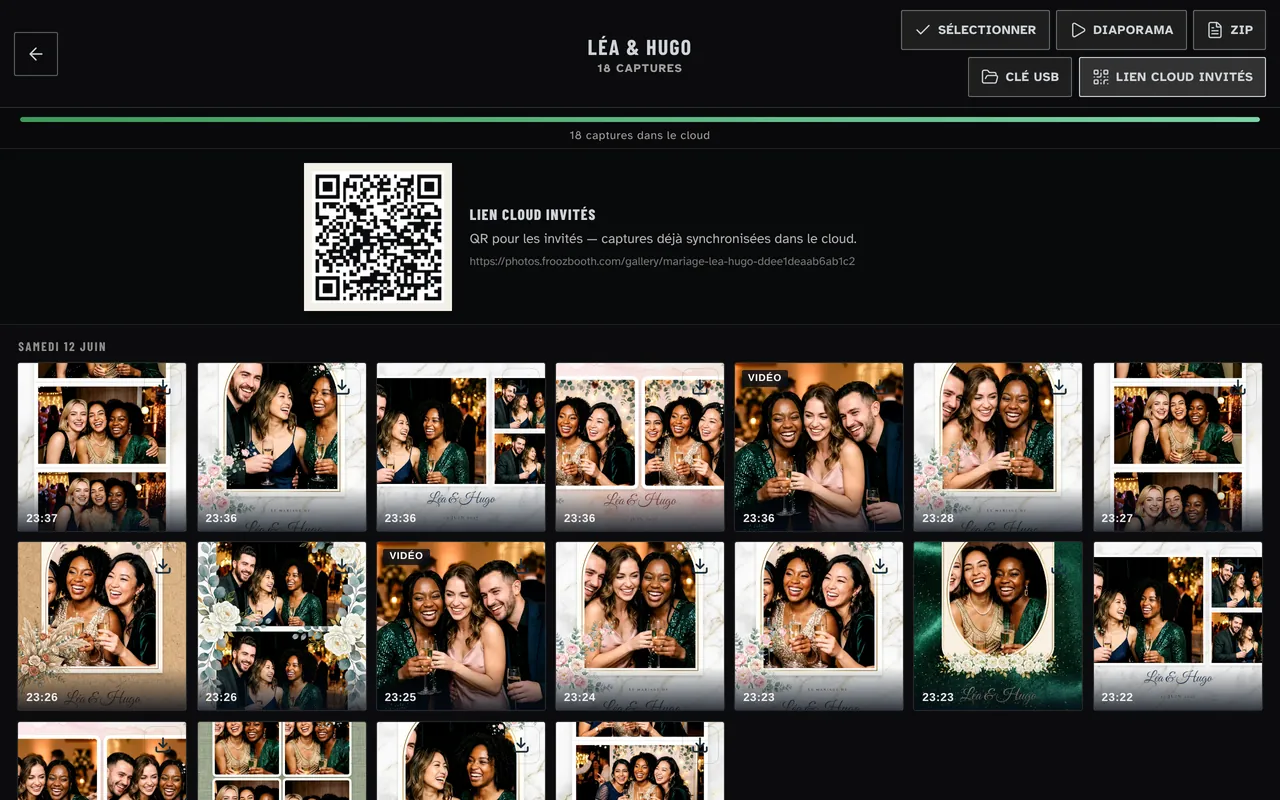
Online gallery
Every event gets its own gallery, hosted in Paris. You send the link to your client, and their guests find and download their photos there.
- Optional PIN code
- Link expires after 30, 90 or 365 days (90 by default)
- 10 GB included, 100 GB more with Cloud+
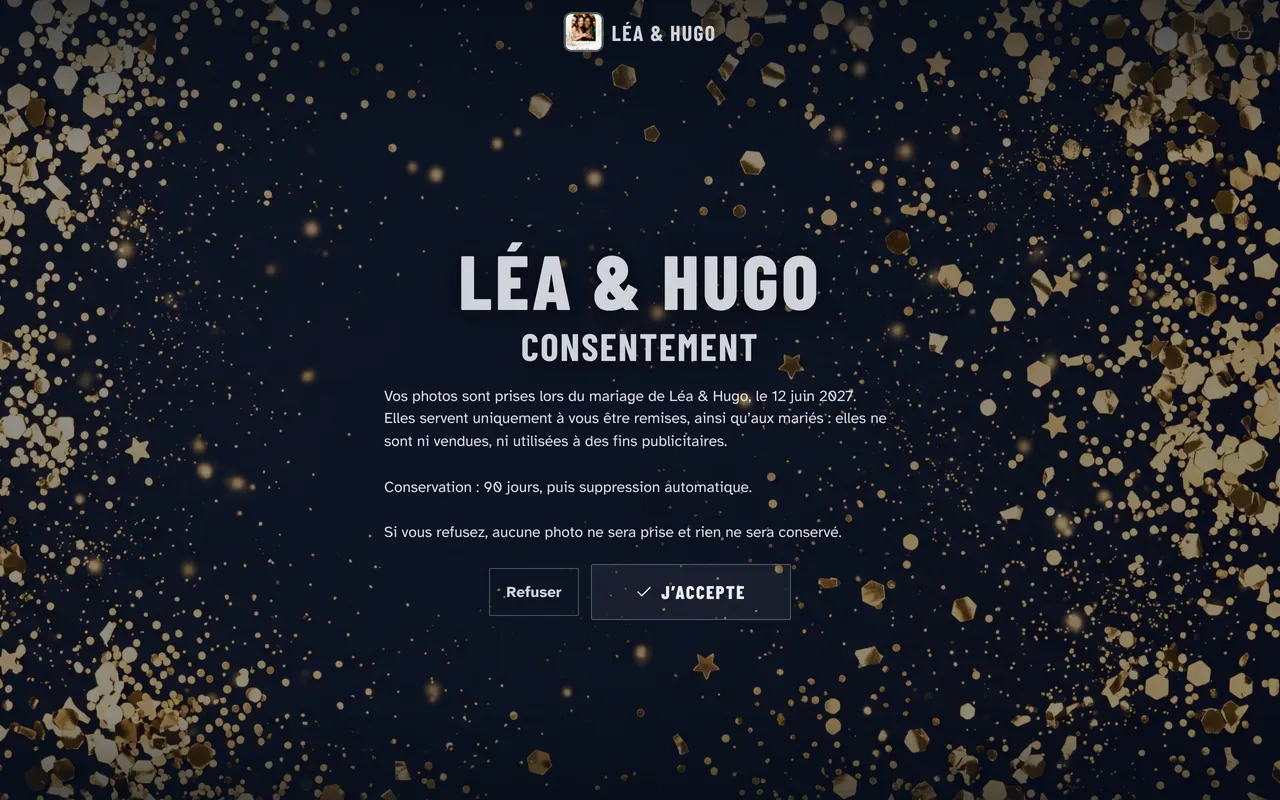
Custom GDPR consent
A consent screen can appear before the first photo. You edit the text event by event. When the booking calls for it, you can also ask for a signature drawn with a finger.
- Consent text editable per event
- Declined: the session is deleted
- Consent log, exportable as CSV
Copies, limits and print counter
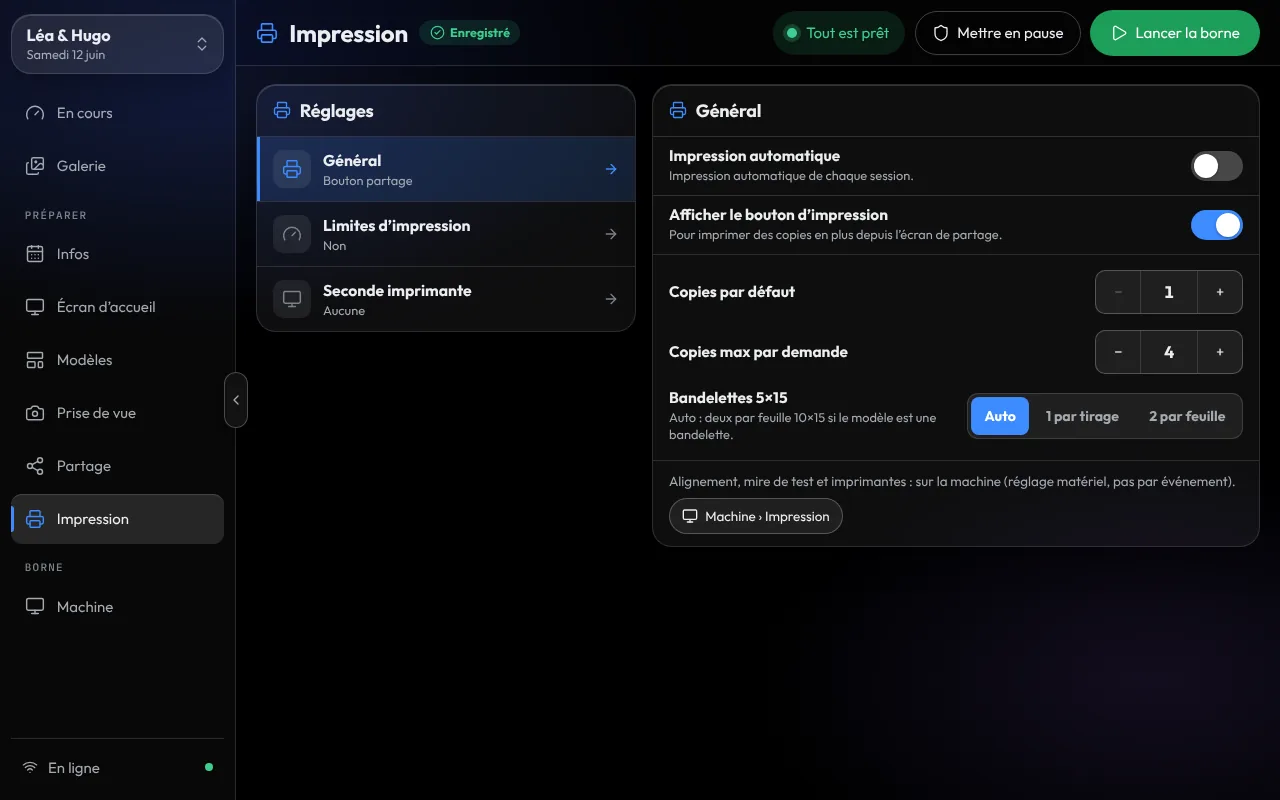
Set the default number of copies and the most a guest can ask for, up to 10. Then cap prints per guest and for the whole event. Printing can also start on its own as soon as the final photo is ready.
- “Impressions 1 / 300” (Prints 1 / 300) counter shown to guests as soon as a limit is set
- Remaining paper estimated in the cockpit, with an alert before the roll runs out
- Second printer: alternate, route by format, or take over if the first one fails
Built for offline
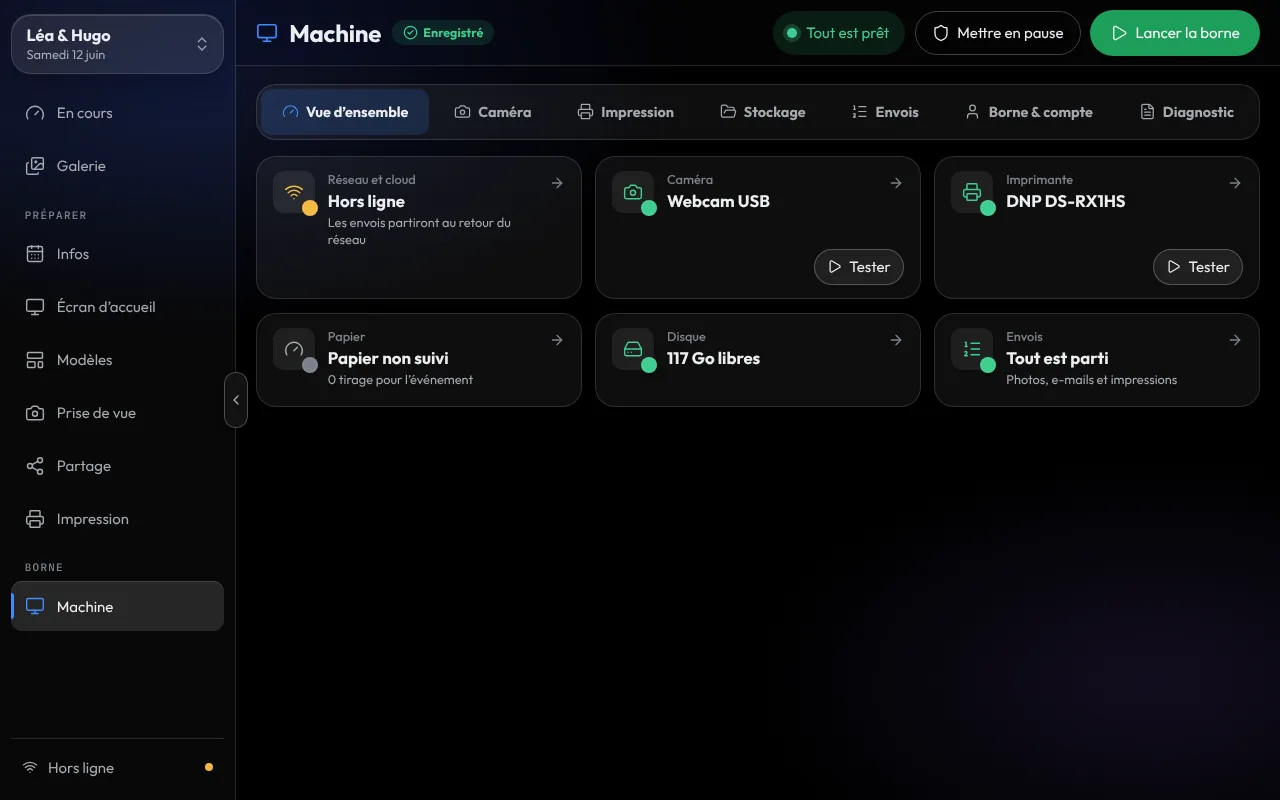
The configuration reaches the booth before the event. During the night, capture, compositing, green screen and printing run locally. The venue Wi-Fi is no longer on the critical path; only AI portraits need a connection, and the original photo prints without one.
- Captures are written to the booth disk first
- Failed sends wait for the network and retry by themselves
- A disk gauge shows how many sessions the machine can still hold
Two machines on every plan
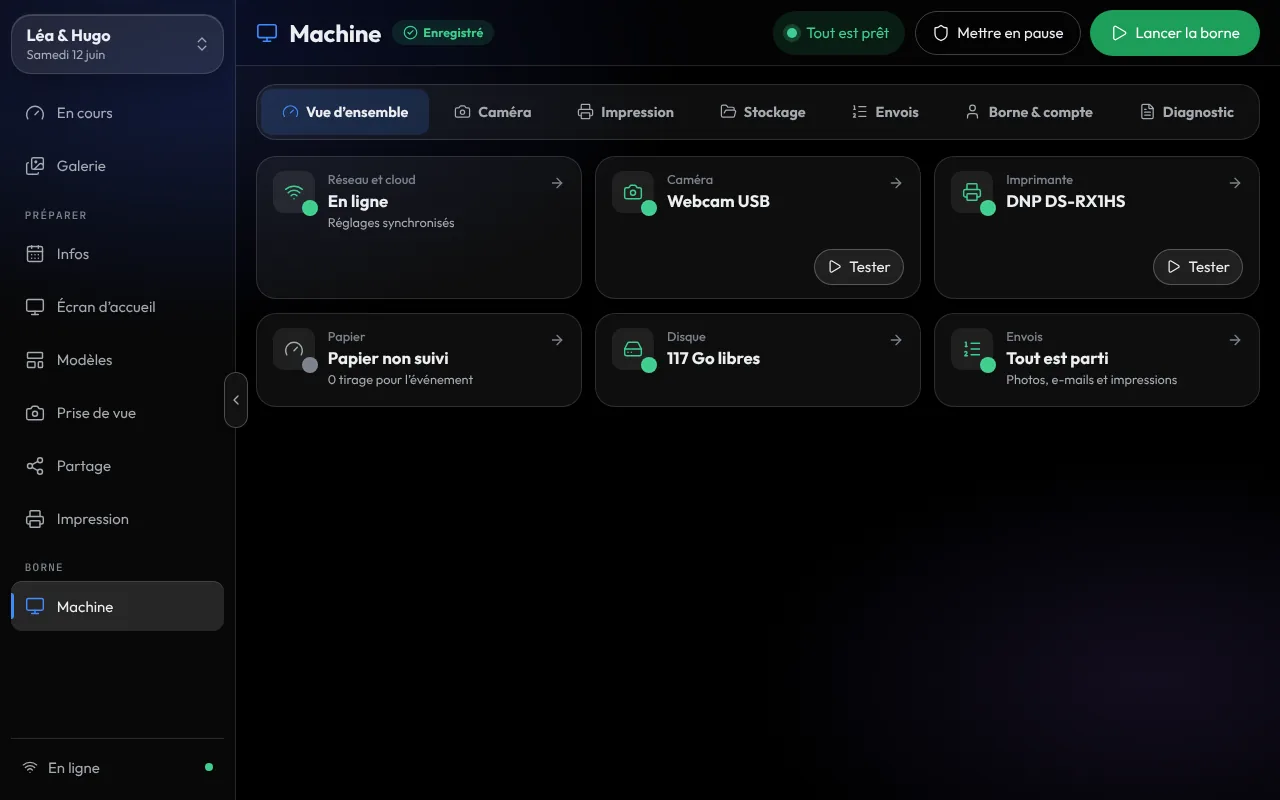
Two Windows PCs paired to the same account: a booth and its backup, or two rooms the same night. Each machine’s cockpit shows the network, camera, printer, paper and disk at a glance.
- Beyond two machines: the Pro plan, up to 10 machines, €29 a month or €279 a year
- Pro also includes Cloud+, fleet planning, a gallery under your own brand and messages to the client
- Beyond 10 machines: the Réseau plan, on quote
19 languages
The guest screen comes in 19 languages, including English, French, Spanish, Portuguese, Italian and German. You set the language per event, from the event page: a French-Italian wedding, a company offsite in English.
- Language set per event
- Guest emails in the same language
- Editable guest screen text
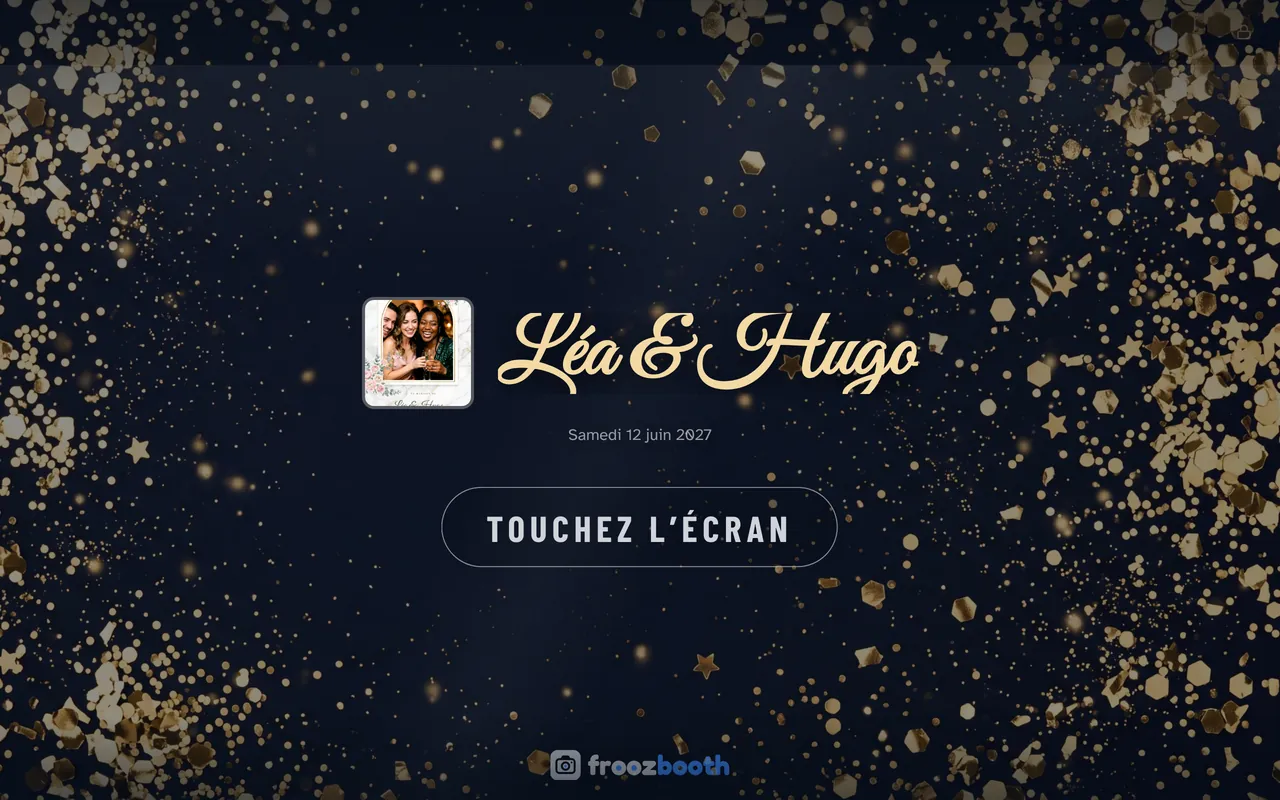
Branded welcome screen
The welcome screen matches the event: title, subtitle, logo and an image or video background, dimmed to your taste. You can set the end-of-session message and visual too.
- Image or video background, adjustable dimming
- Welcome screens that match the template themes
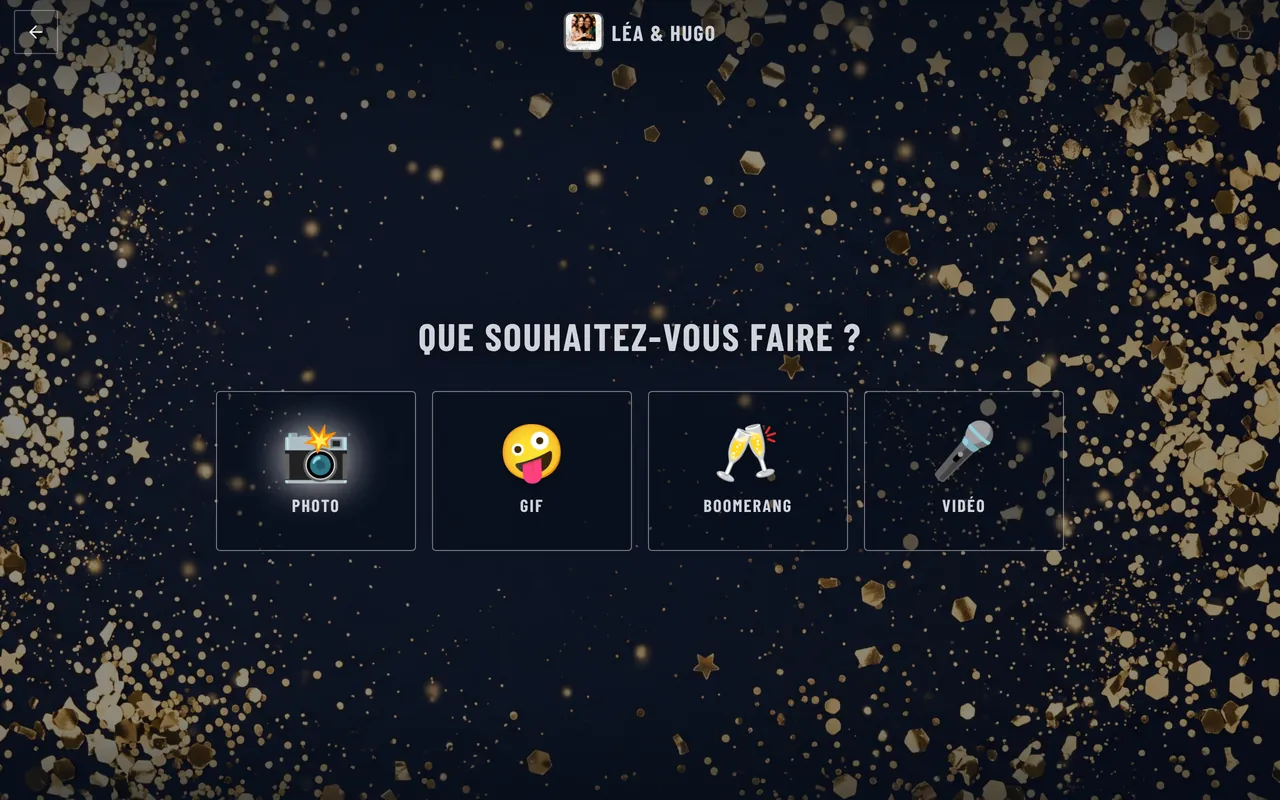
- Optional fun icons on the mode choice screen
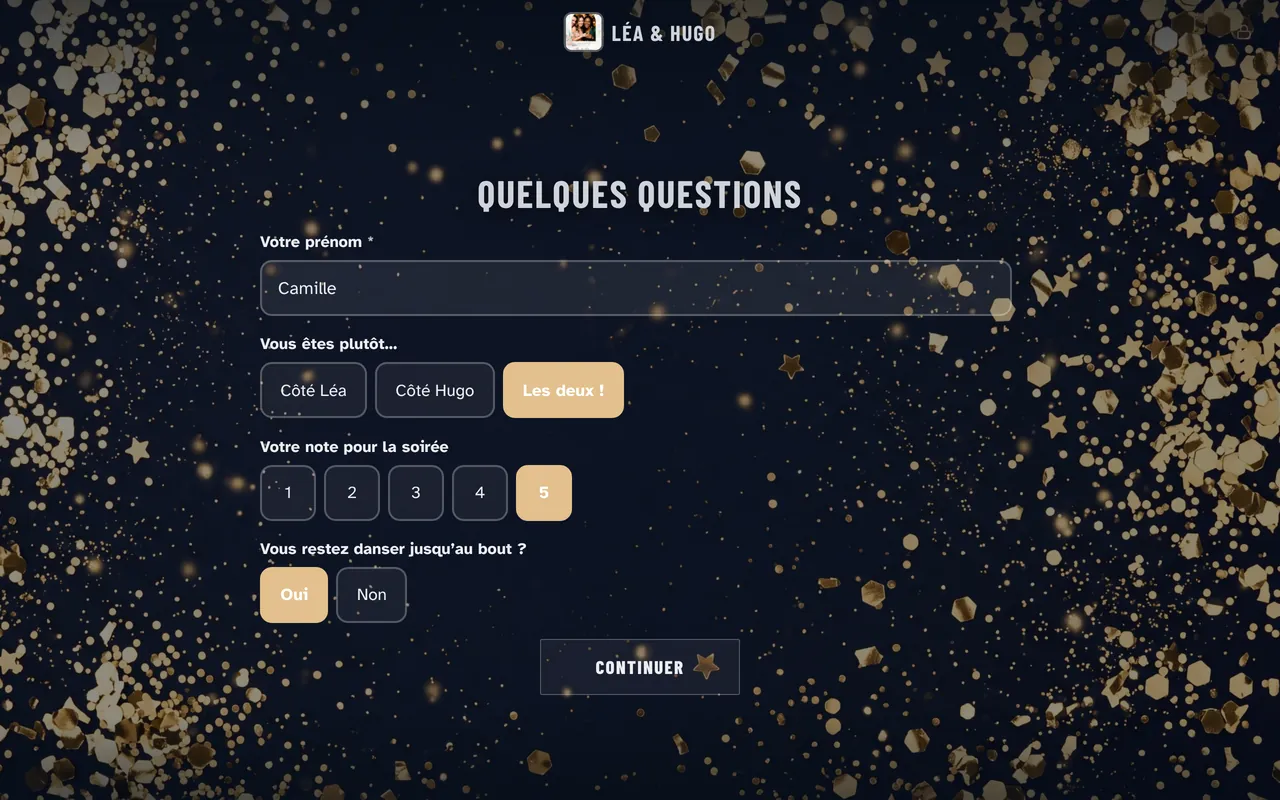
Survey
Ask up to eight questions before the photo: free text, multiple choice, rating or yes/no. Answers can print on the photo, like the guest’s first name or table.
- Up to 8 questions, of 5 types
- Answers can print on the photo
- Results in the dashboard, ready to hand to your client
Slideshow
In a separate window, on a wall screen, the slideshow plays the night’s photos. It reads the event folder on the booth. So it works with no network, and the group that just posed shows up first.
- Newest-first or random order, adjustable duration and transition
- Gallery QR overlay
- No third-party branding on the wall
Buttons and triggers
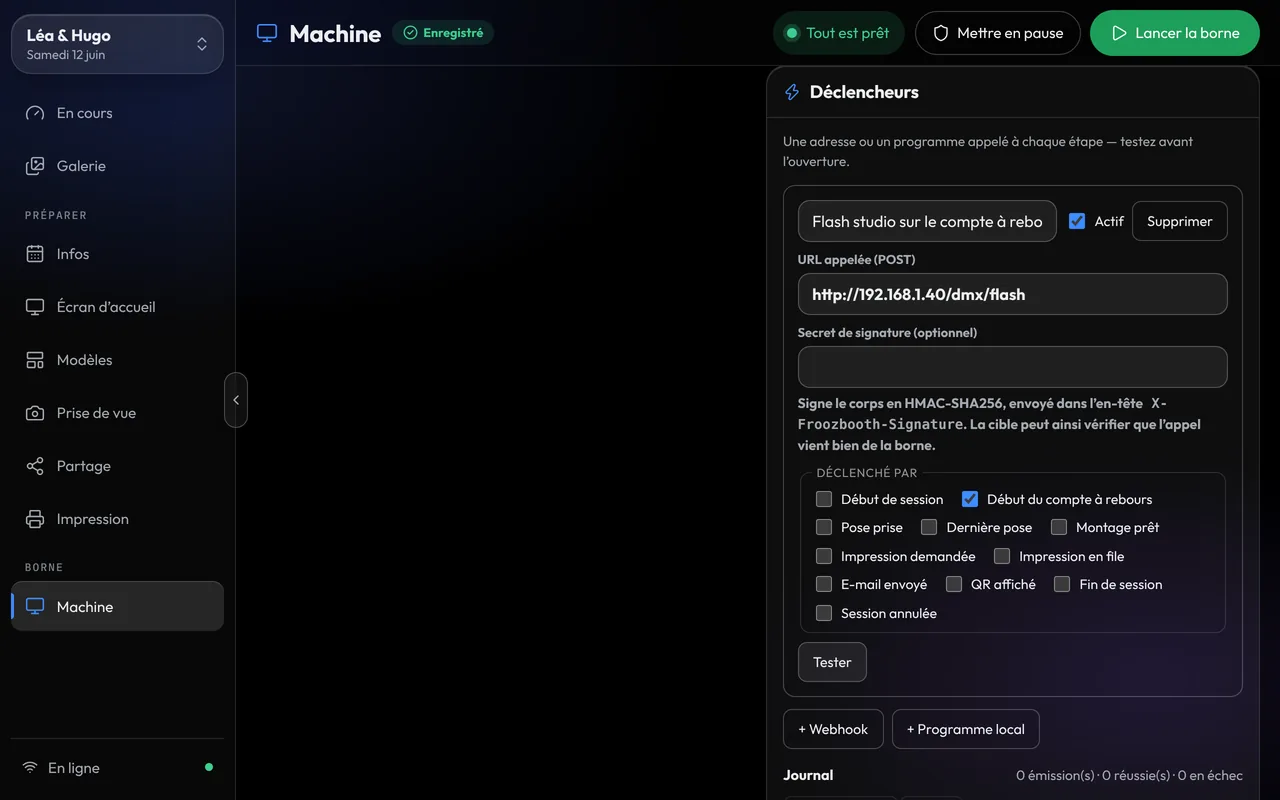
An arcade button or a pedal starts the session, with nothing to set up. Each step of the session can also trigger your gear: lights, flashes, fog machine, through a webhook or a program.
- Physical buttons work with no setup
- Signed webhooks and programs on session events
- DMX lights, Hue, fog machine
Remote monitoring
The dashboard’s Machines page shows each booth’s status live, and you can add it to your phone’s home screen. With Cloud+, you can act remotely: pause, resume, restart, reprint the last photo. The remote: every booth from your phone
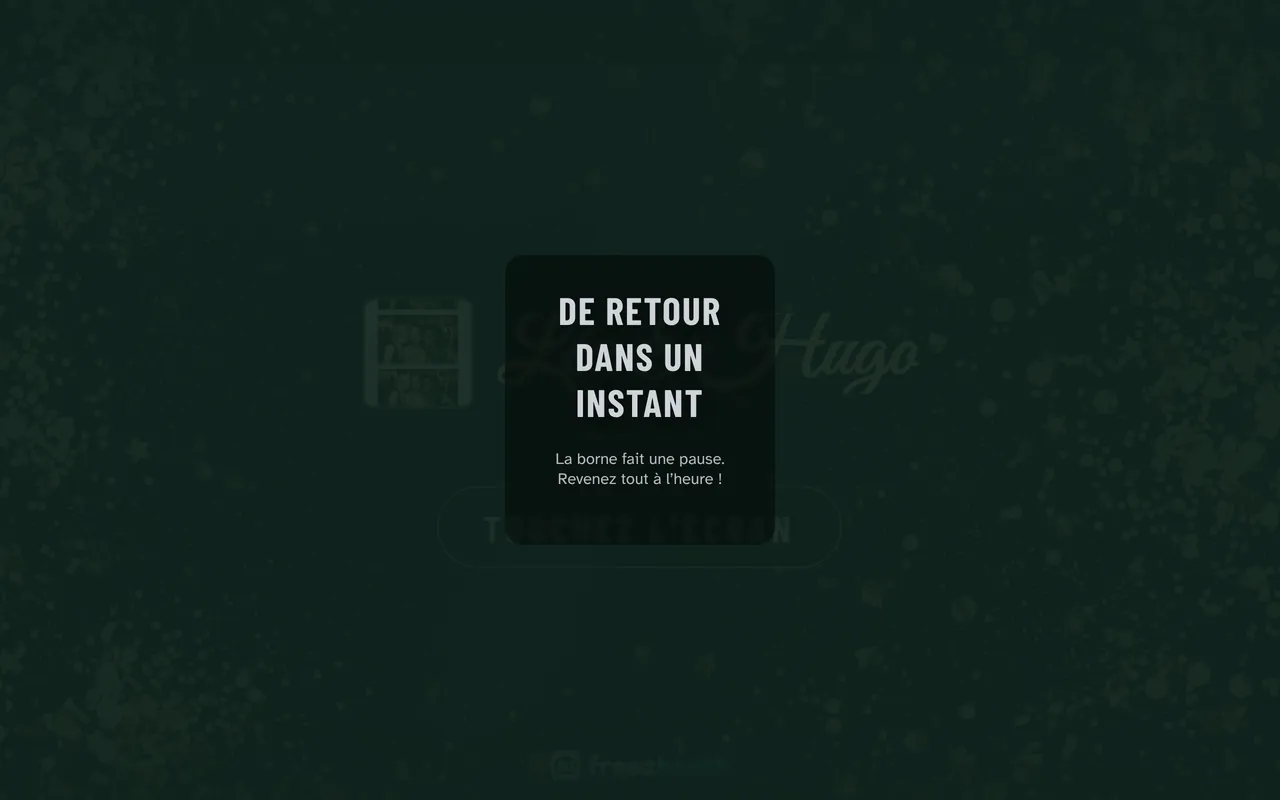
- Pause screen that resumes on its own after the delay you choose
- Remote booth controls with Cloud+
- No app to install
Frequently asked questions
Are all these features included in my plan?
Yes, in all three Solo plans (monthly, yearly or lifetime) and in Pro. Only three extras need Cloud+: email from your own domain, 100 GB more storage and remote booth controls. Cloud+ is an optional add-on on Solo, at €29 a year or €2.90 a month with a monthly license, and included in Pro. Green screen is included everywhere; AI portraits work on every plan and are paid per portrait with prepaid credits.
Do the features work without internet?
Capture, compositing, green screen, printing and the slideshow run locally. Anything that needs the network, like emails and the gallery, waits for a connection and goes out on its own. AI portraits are the one feature that needs internet during the event; without it, the original photo goes to print.
Can I try it before I buy?
Yes, 15 days free, with no credit card and every feature. A watermark marks the photos during the trial.
Can guests choose their own photo filter?
Yes. Froozbooth offers ten color filters on top of the original, including black and white, sepia and B&W Glam, and you either set one for the whole event or let guests pick theirs on screen before posing. The filter shows live on screen and applies to the print. Exposure, contrast, saturation and temperature can be adjusted before the filter.
How long can a video guestbook message be?
You set the maximum length from 5 to 30 seconds per message. In Froozbooth the video guestbook is a separate mode you turn on per event, and messages are shared by QR code and email. The video is recorded on the PC, so check that the PC has a microphone: without one, the video is silent.
How do I collect guest consent for photos under GDPR?
Turn on the Froozbooth consent screen, which appears before the first photo with a text you edit event by event. If a guest declines, the session is deleted, and answers go into a consent log you can export as CSV. When a booking calls for it, you can also ask for a signature drawn with a finger; photos are hosted in Paris.
Can I ask guests questions at the booth?
Yes, with the Froozbooth survey: up to eight questions before the photo, as free text, multiple choice, rating or yes/no. Answers can print on the photo, such as the guest’s first name or table. The results appear in the dashboard, ready to hand to your client.
How long does the online gallery stay available?
90 days after the event by default; on the event page you can choose 30, 90 or 365 days, or never. Files are deleted 30 days after the link expires, and until then, extending the duration reopens the link. Each Froozbooth event gallery is hosted in Paris and can be protected with a PIN code.
Can I limit how many prints each guest makes?
Yes. In Froozbooth you set the default number of copies, the most a guest can ask for (up to 10), and a print cap per guest and for the whole event. As soon as a limit is set, guests see a print counter on screen. Printing can also start on its own as soon as the final photo is ready.