What a birthday party needs
- Modes that make guests laugh: GIFs, boomerangs, filters.
- A template with the guest of honor’s name and the date.
- Photos on guests’ phones, not only on paper.
- A setup that takes minutes, not an evening.
- A price that works for a smaller booking.
Weddings and corporate events ask for other things. If you sell those too, see the dedicated pages. Photo booth software for weddings
Fun modes: GIF, boomerang and filters
Guests pick a mode on screen. The GIF plays the poses one after another on a loop. The boomerang plays them forward, then back. Both are sent with the photo by QR code and email.
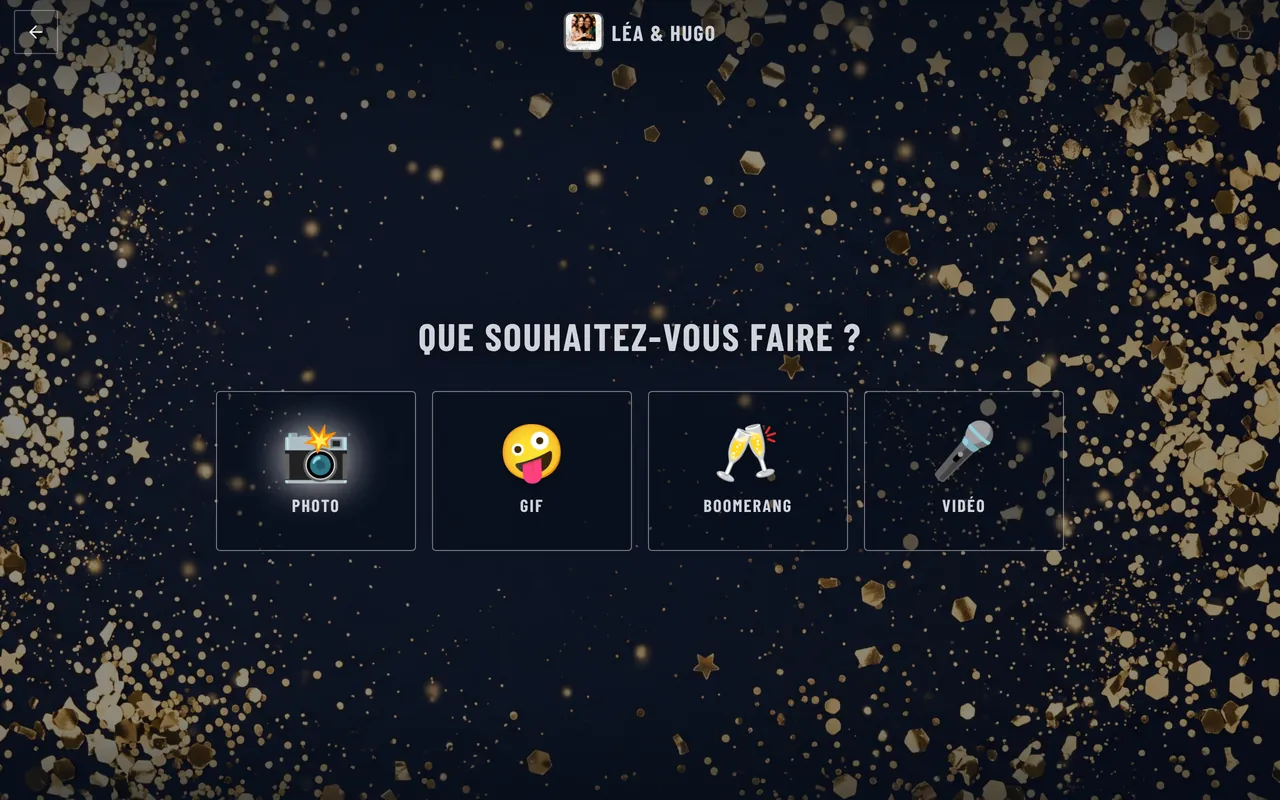
- Ten filtersBlack and white, sepia, 1977 and more, picked by guests before posing.
- Intros and transitionsAn image or video before and between poses.
- Buttons and triggersAn arcade button or pedal starts the session, with no setup.
- SlideshowThe party’s photos on a wall screen, with no network needed.
For a theme party, green screen swaps the backdrop for the 80s, outer space or the tropics, a different scene each session, and AI portraits turn the guest of honor into a disco star or a superhero. Green screen photo booth
Birthday templates, ready to print
Froozbooth includes over 300 free templates, with birthday, neon and Halloween designs among them. Names and date fill in automatically, so a template for a 30th or a 50th takes seconds. Prints come out as 4x6 or 2x6 strips, at 300 dpi. Browse the free photo booth templates
Print limits per guest and for the whole event keep the paper cost under control on a busy night.
Photos straight to guests’ phones
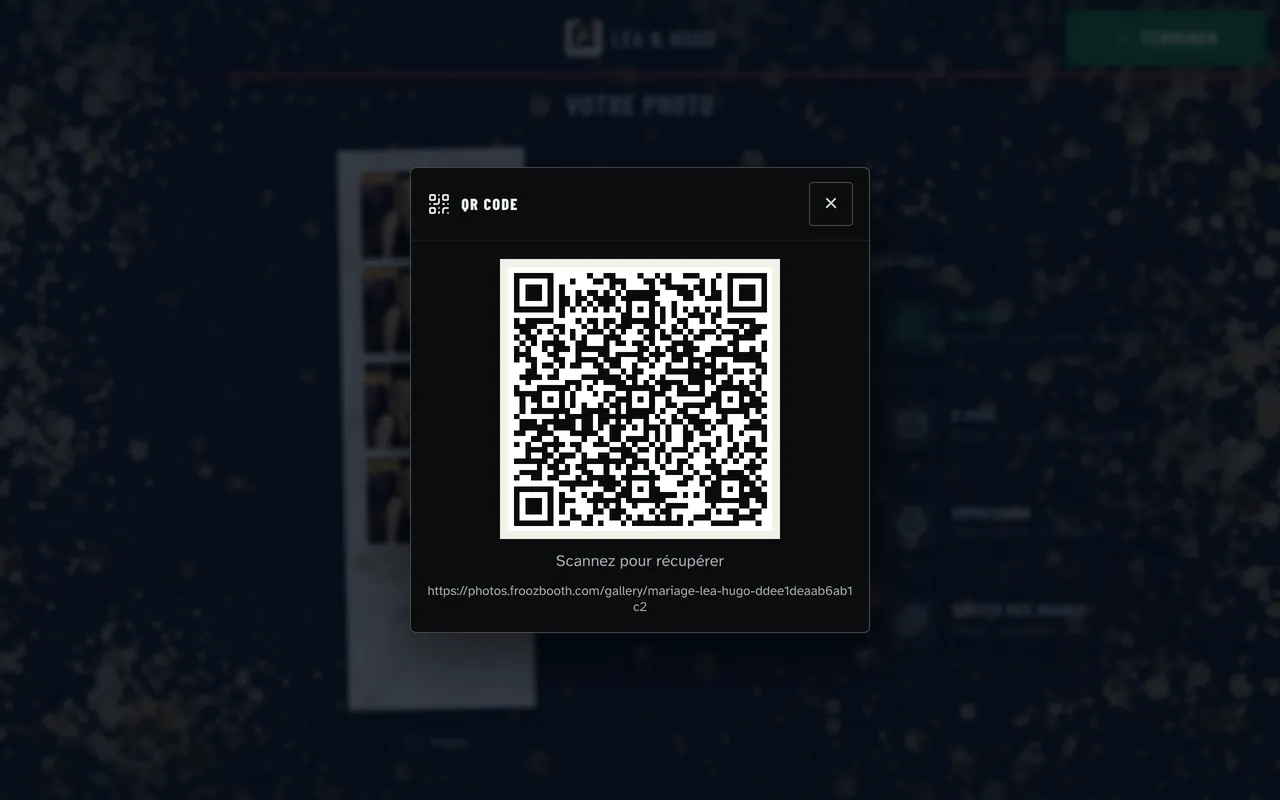
After each photo, a QR code appears. Guests scan it and find their photo on their own page, with no app to install. The host gets one gallery link with every photo of the party.
Simple setup, fair pricing for occasional use
Prepare the event online, sync the booth once, and run the party offline. Getting started takes about fifteen minutes: create an account, install the booth on a Windows PC, start an event. Photo booth software for Windows
- Monthly: €14 a month, no commitment, cancel anytime.
- Yearly: €139 a year, for two machines.
- Lifetime: €299, paid once.
- 15-day free trial with every feature, no credit card. Photos carry a watermark during the trial.
Birthdays often sell at a lower price than weddings. Work out your floor price before you quote. How much to charge for a photo booth rental
Frequently asked questions
What photo booth software is good for birthday parties?
Look for fun modes like GIF and boomerang, filters, birthday templates and QR sharing to guests’ phones. Froozbooth includes all of these on Windows, with over 300 free templates and two machines on every plan.
Can guests make GIFs and boomerangs at a birthday party?
Yes. In Froozbooth, guests pick GIF or boomerang on screen, built from the session’s poses. The loop is sent with the photo by QR code and email, and you turn the modes on event by event.
Are there free birthday photo booth templates?
Yes. Froozbooth offers over 300 free templates, including birthday designs. Names and date fill in automatically, and you can edit any template in Canva or Photoshop as a PNG or PSD.
Is there a monthly plan if I only rent out a few parties?
Yes. The monthly plan is €14 a month with no commitment, and you can cancel anytime. The yearly plan is €139 and the lifetime license is €299 once. Every Solo plan covers two machines.