Templates offered by Froozbooth
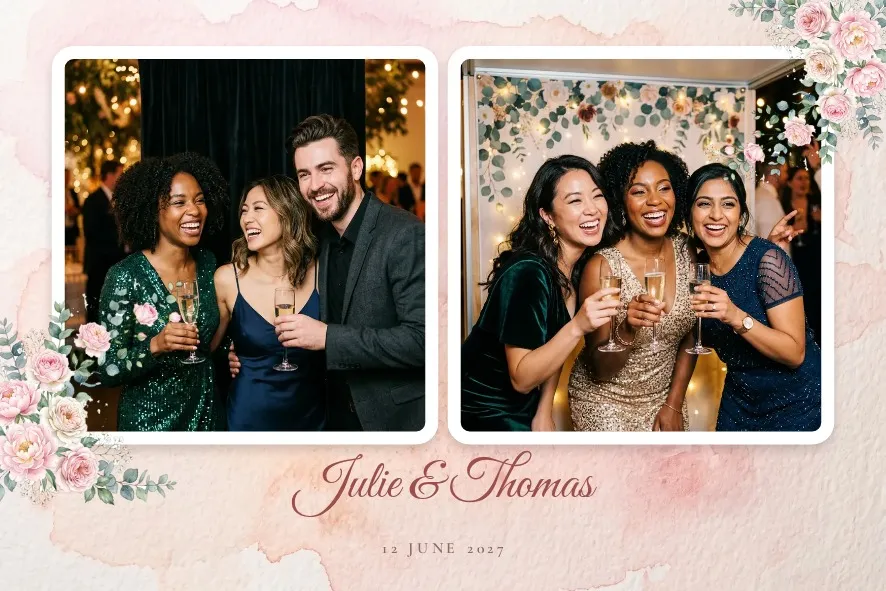
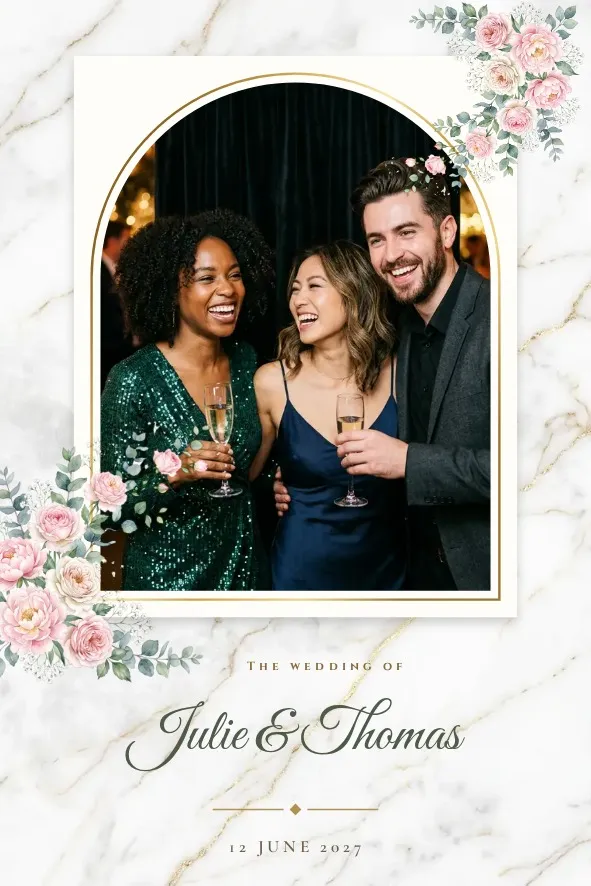

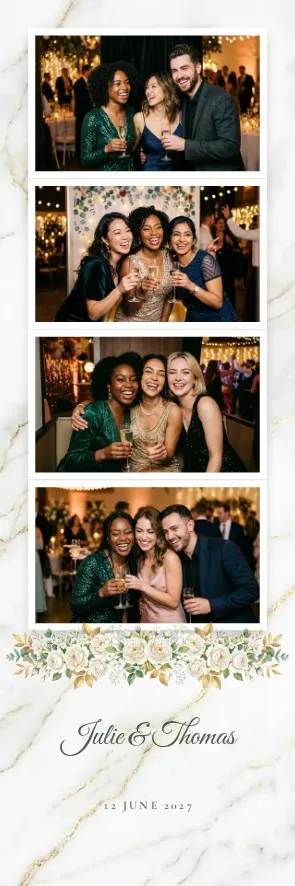
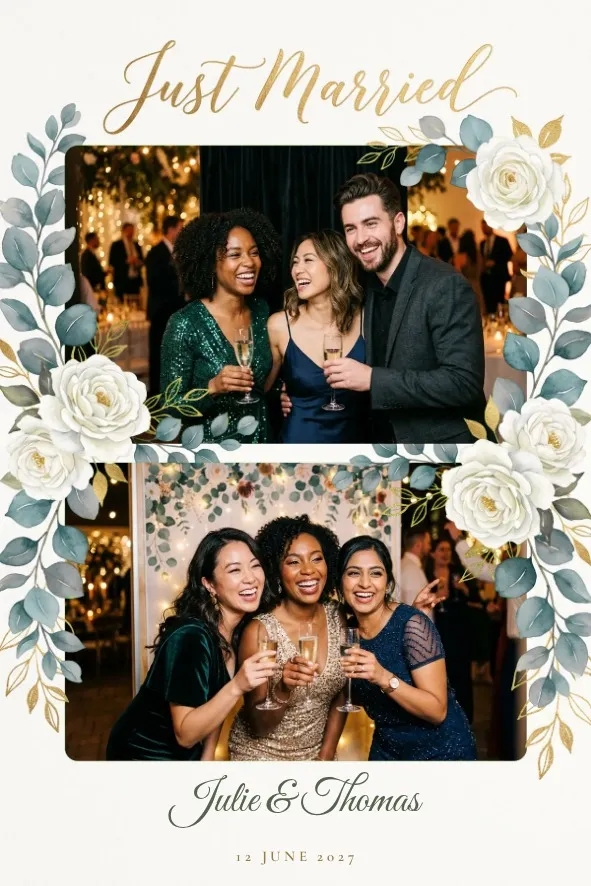
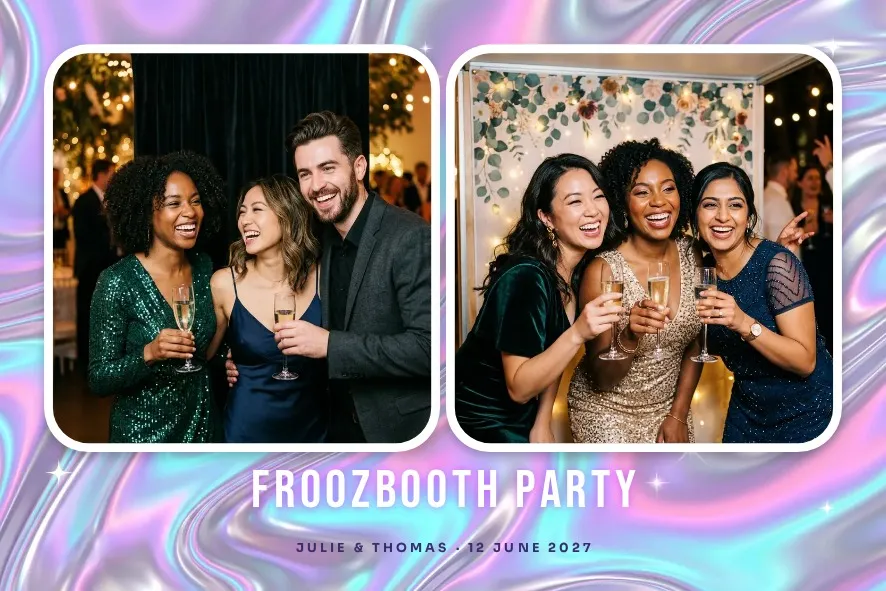
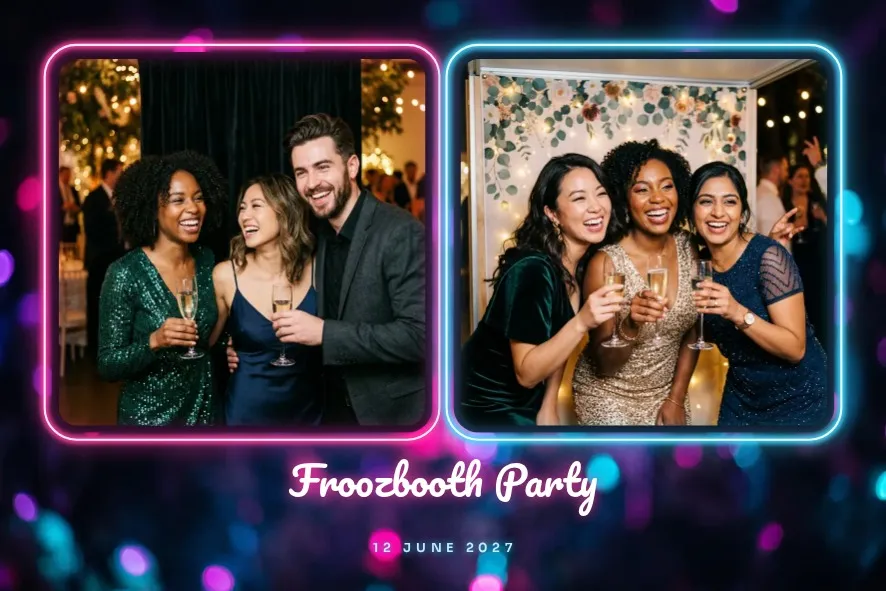
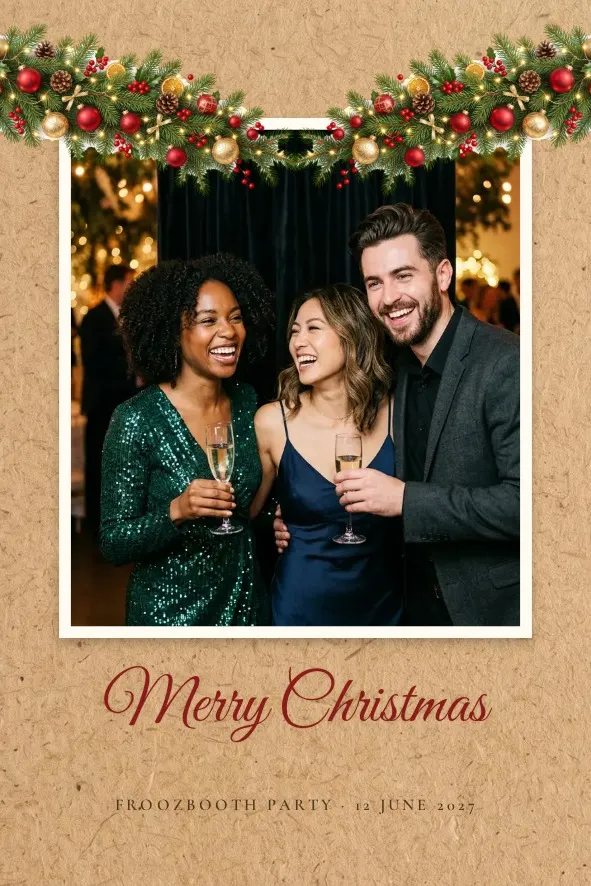
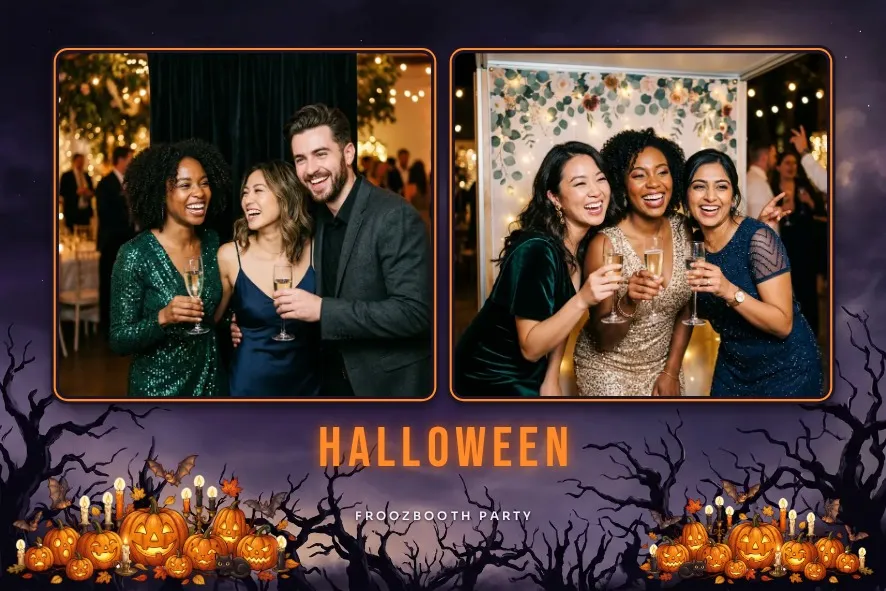
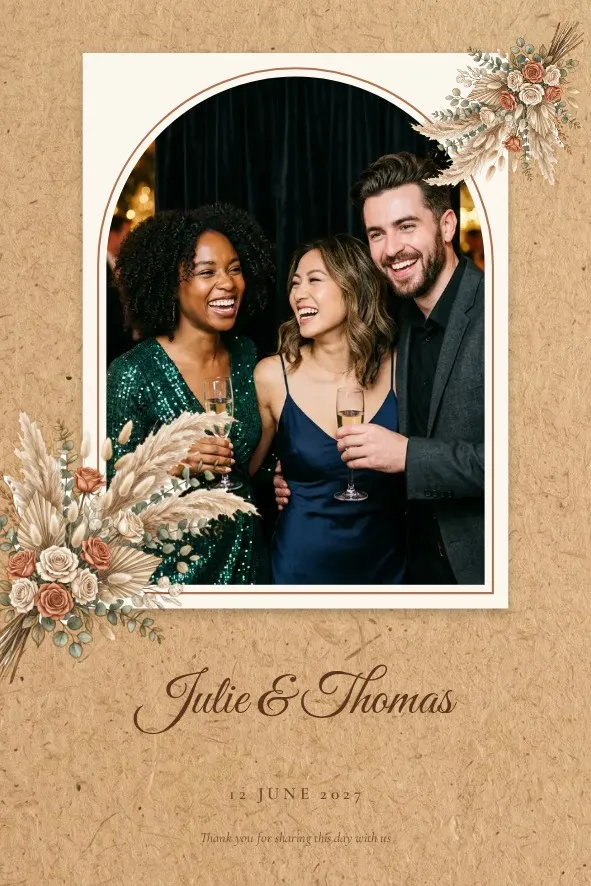
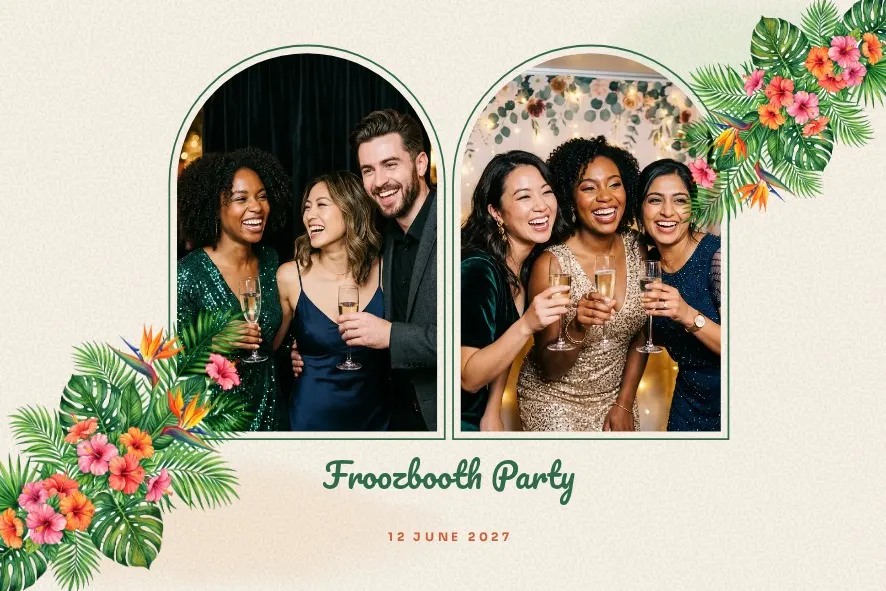

These templates are designed and offered by Froozbooth. They cover the formats operators actually print: 4x6 in portrait or landscape, 2x6 strips, 1 to 4 photos. Names, event title and date fill in automatically for each event, so one template serves all your clients.
- Weddings: ivory garden, rose garden, lavender, gold medallion, black and white
- Parties: birthday, christening, baby shower, bachelorette, Valentine’s Day, graduation
- Seasons: Christmas, New Year, Halloween, autumn, spring
- Styles: art deco, neon, disco, vintage, polaroid, tropical, string lights, minimalist, oriental
- Corporate: seminar, client night, clean corporate
Canva and Photoshop compatible
- Transparent PNGThe template frame with empty photo windows, at 300 dpi. For Photoshop, Affinity, Illustrator or Canva Pro.
- Layered PSDA Photoshop file with the frame on its own layer and hidden sample photo boxes.
- Free Canva versionFree Canva cannot export transparency, so the photo windows are painted pure green. Froozbooth recognizes them on import.
- Drag-and-drop returnDrop the edited PNG into Froozbooth: the photo slots are found automatically.
Import an existing frame
- Export your frame as a PNG with transparent photo areas (Photoshop, Canva Pro, a pack you bought) or painted pure green (free Canva).
- In the dashboard, open Templates, then Import templates, and drop a file or a whole folder.
- Froozbooth recognizes the format (4x6, 2x6 strip) and places the photo slots under the frame.
- Add the names and date area if you need it, then run a test print from the booth.
Packs sold for other software (TemplatesBooth, for example) almost always include PNG overlays. Those are what Froozbooth uses. Proprietary project files from another tool do not import.
Or start from scratch
- LayersOverlays, text, photo slots and images, in the order you want.
- FontsA choice of fonts for names, the date and the event title.
- Strips and prints2x6 strip in portrait or landscape, 4x6 print. Two strips come out side by side on one 4x6 sheet.
- Undo, redoThe history keeps your attempts. Nothing is lost while you experiment.
Templates that travel with the event
A template is built once in the dashboard, then picked for each event. The sync sends it to both booths. The backup booth prints exactly the same frame, with no setup on site.
Frequently asked questions
Are the Froozbooth templates really free?
Yes. They are designed and offered by Froozbooth and included in every plan. You can edit them and print them for all your clients.
Can I edit a template in Photoshop?
Yes. Every template downloads as a layered PSD and a transparent PNG. Export your version as a PNG with transparency and import it back.
Can I use Canva templates?
Yes. Export the frame as a PNG: with Canva Pro, on a transparent background; with free Canva, paint the photo areas pure green (#00FF00). Froozbooth finds the photo slots on import.
Do TemplatesBooth or LumaBooth templates work?
The overlay images (PNG) do: their transparent areas become the photo slots. Project files specific to another tool do not import.
Which print sizes are supported?
2x6 strips (5×15 cm) and 4x6 prints (10×15 cm), on any printer installed on Windows, including DNP and Citizen dye-sub printers.
Is there a template limit?
No. Templates and events are unlimited in every plan, from €139 a year or €449 once.