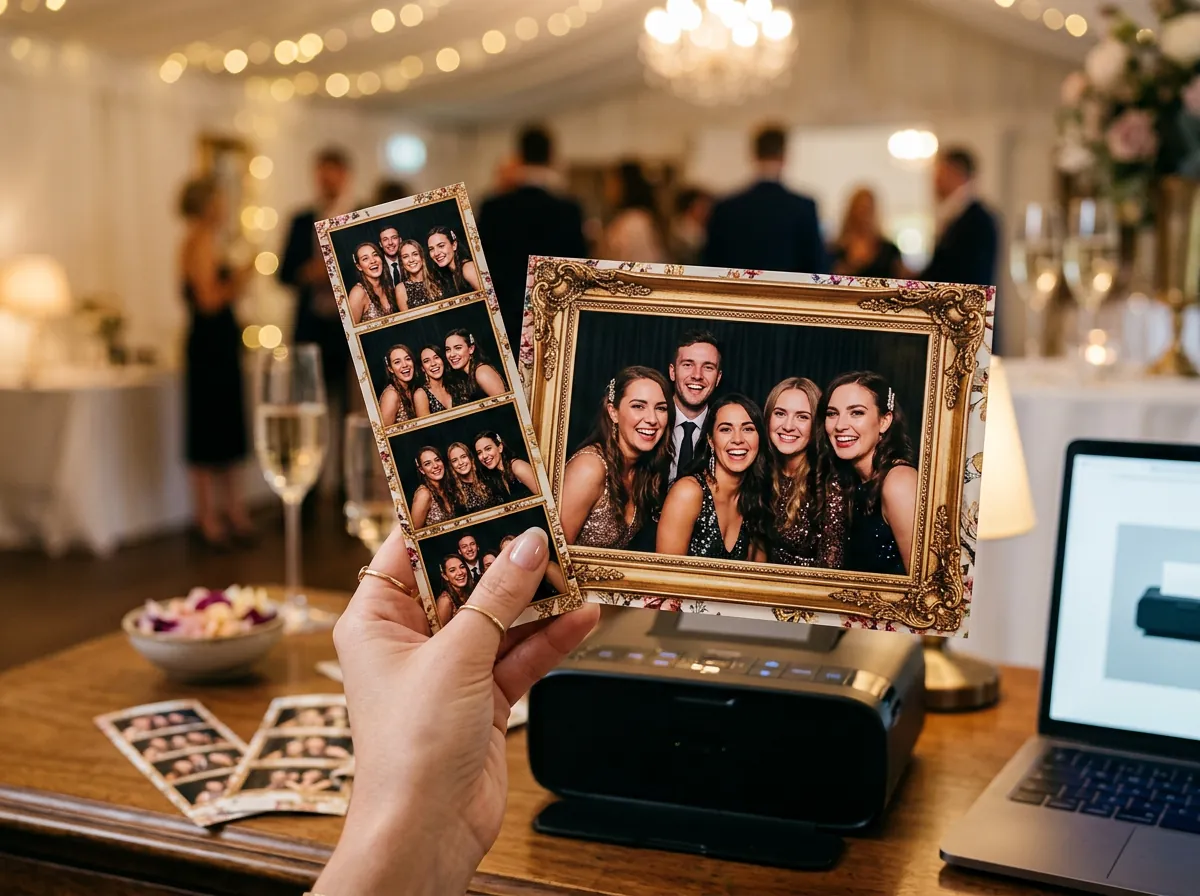
Print templates
Over 40 free templates from Froozbooth and an editor for your own, Canva and Photoshop compatible. What guests see on screen is exactly what prints.
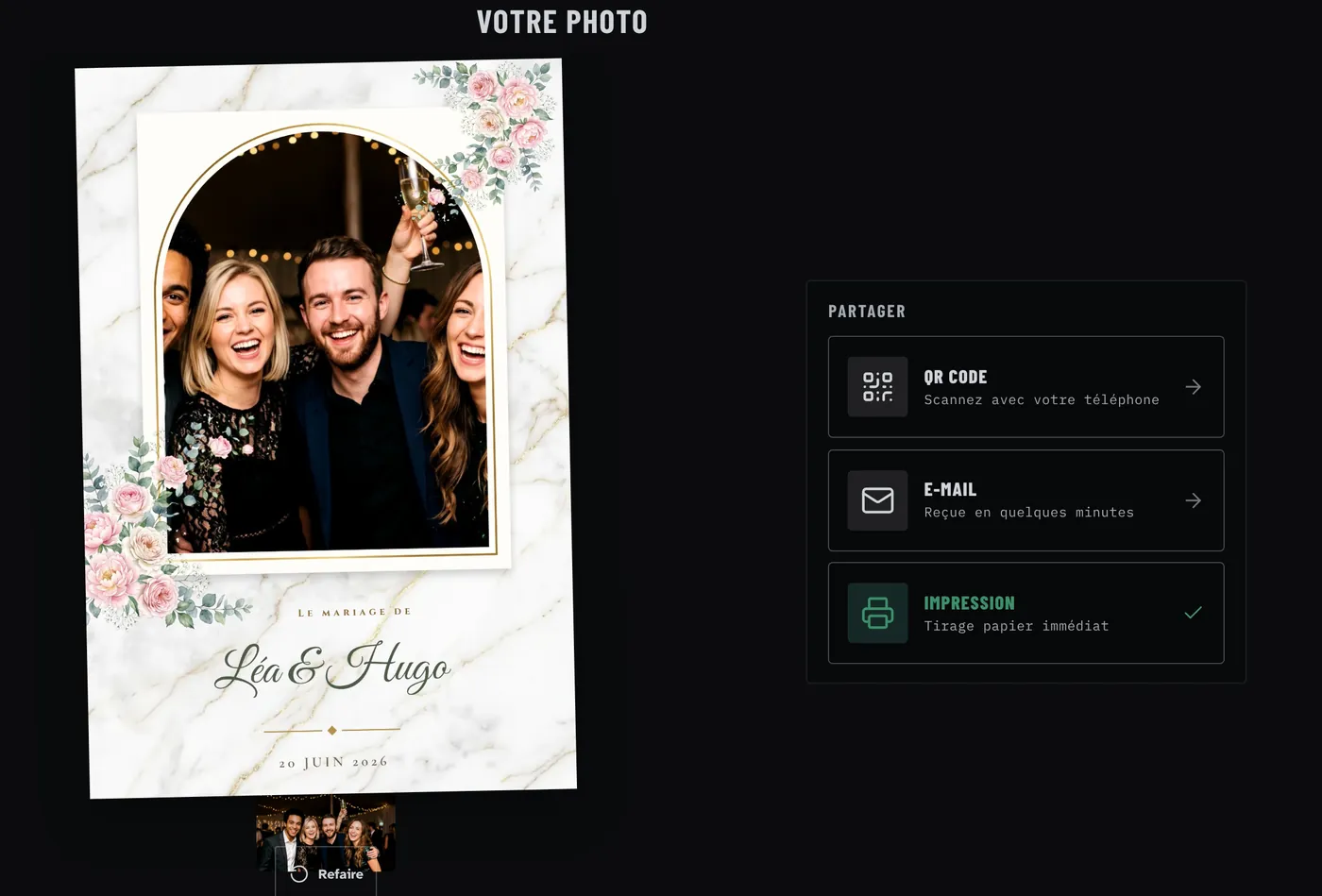
Photo booth software for Windows
Set up every event online. The booth runs all night, even with no internet. Two machines and cloud sharing included.
No credit card · Windows 10 and 11
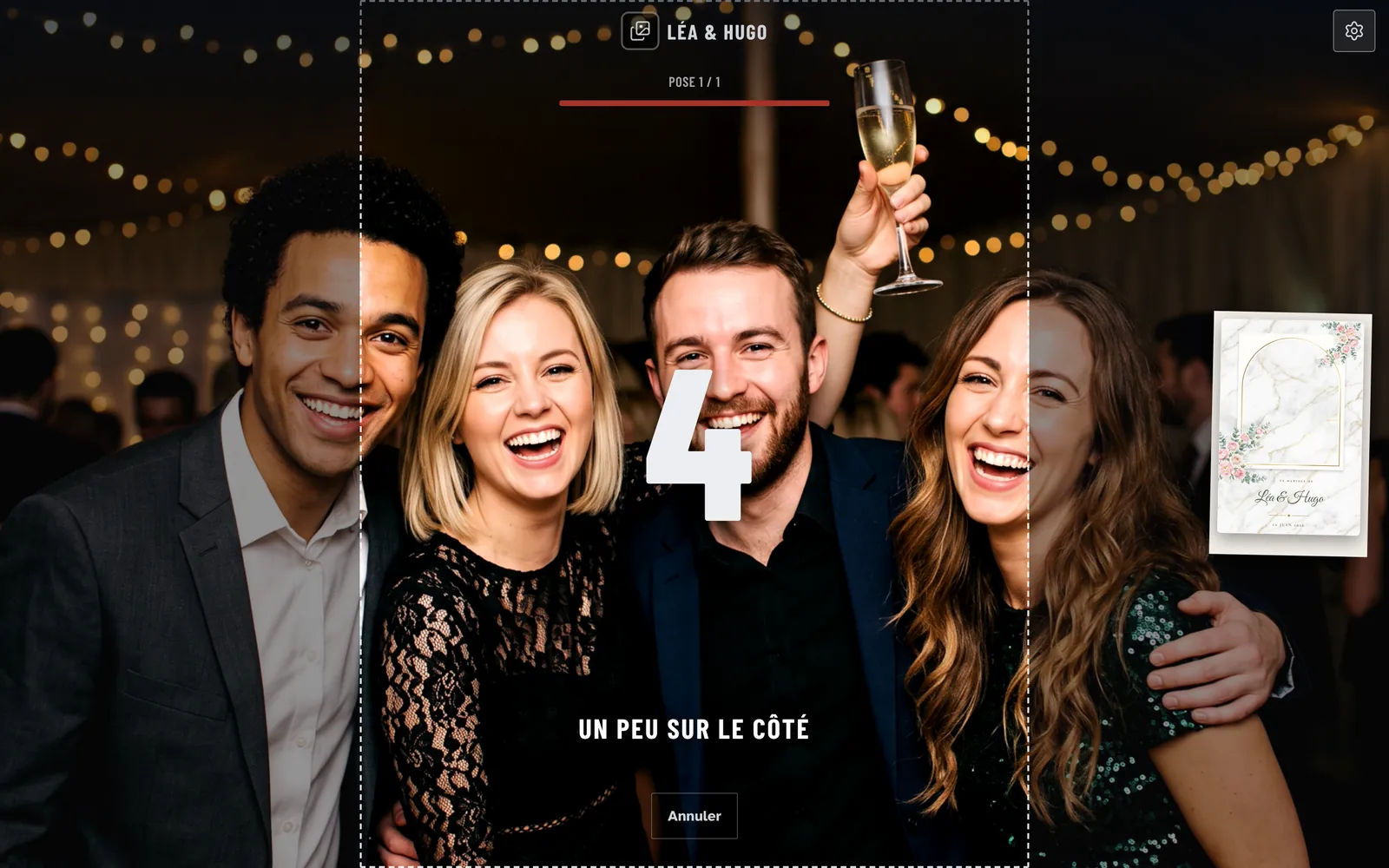
How it works
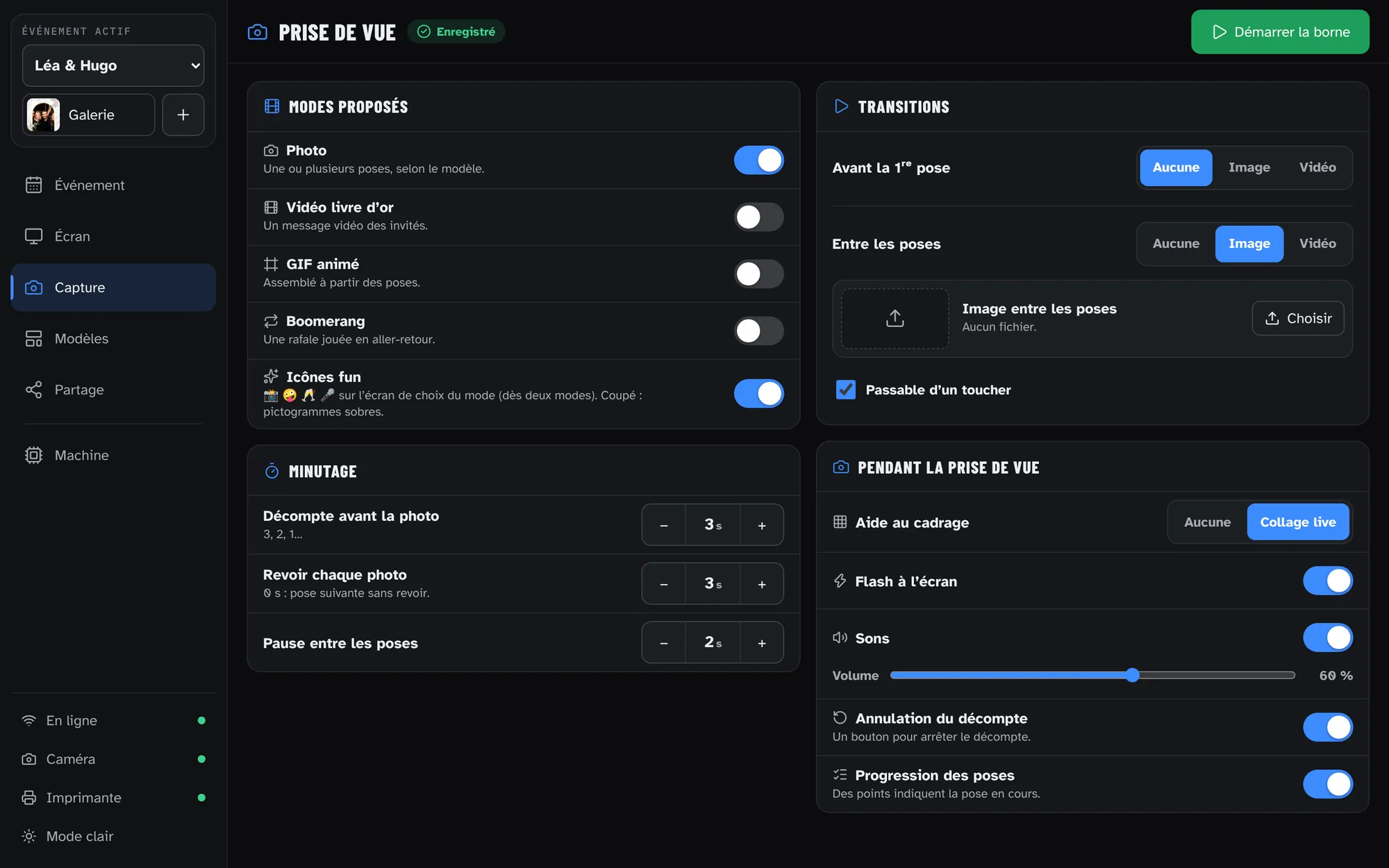
Event, templates and sharing, from any computer.
The booth downloads its settings before you head out.
Capture, printing and QR run locally. Sends go out once you are back online.
Features
What an operator actually uses on a Saturday night, with no add-ons.
Over 40 free templates from Froozbooth and an editor for your own, Canva and Photoshop compatible. What guests see on screen is exactly what prints.
Print, QR code, email, online gallery. Guests only see what you turn on.
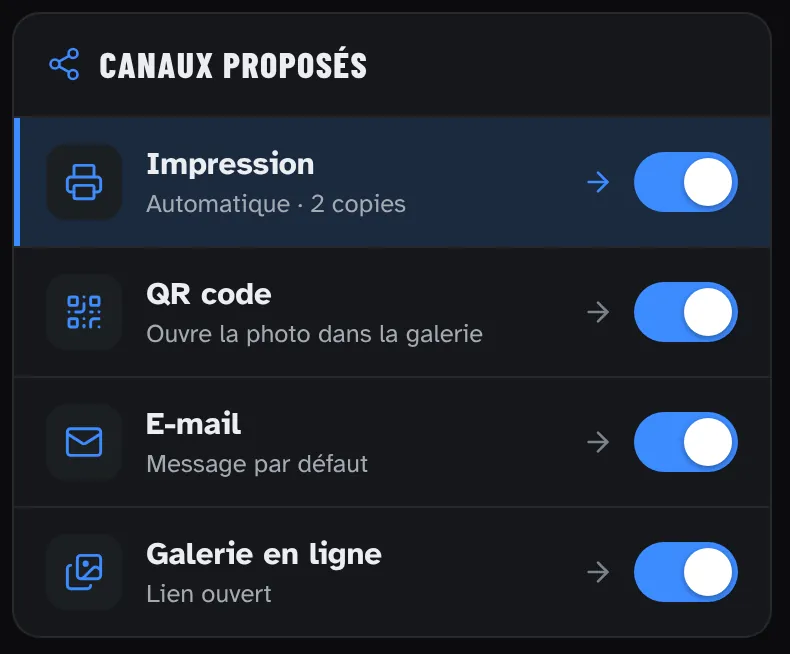
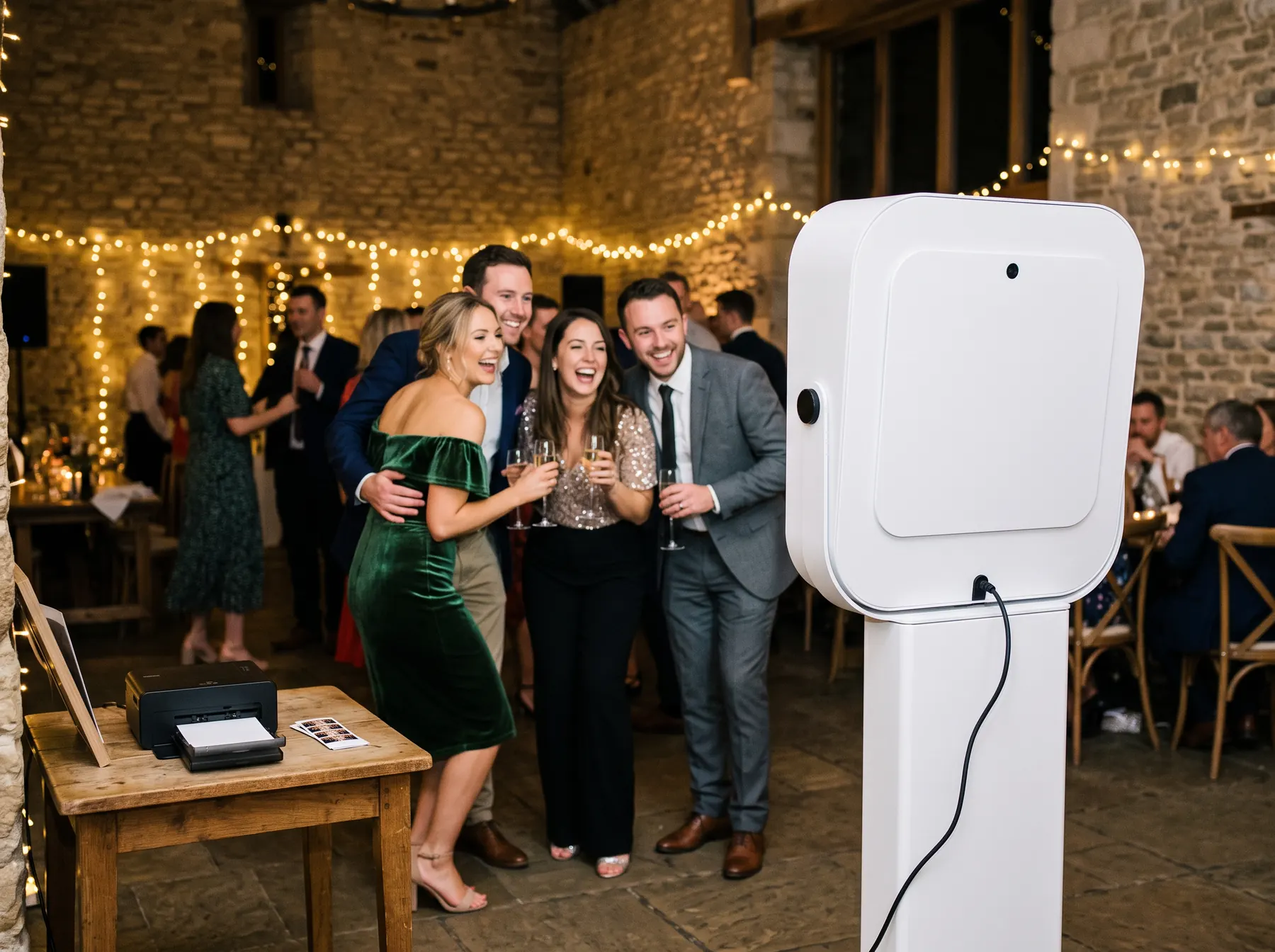
Capture, printing and QR work with no internet.
Plus a video guestbook, turned on event by event.
A main booth and a backup, or two rooms the same night.
English, French, Spanish, Portuguese, Italian and German for guests.
Free templates
Weddings, birthdays, Christmas, neon, art deco, Halloween… Templates designed by Froozbooth, free and included in every plan. Names and date fill in automatically for each event.






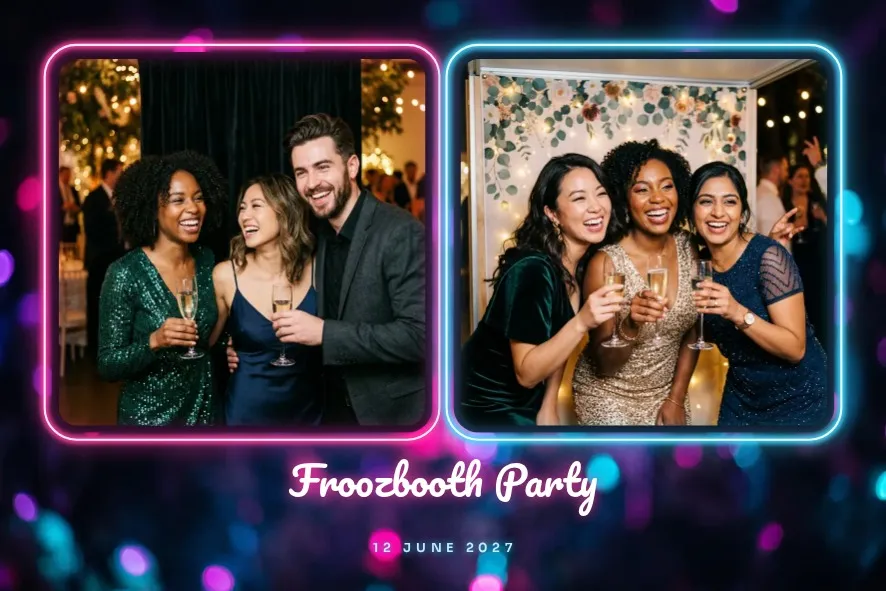

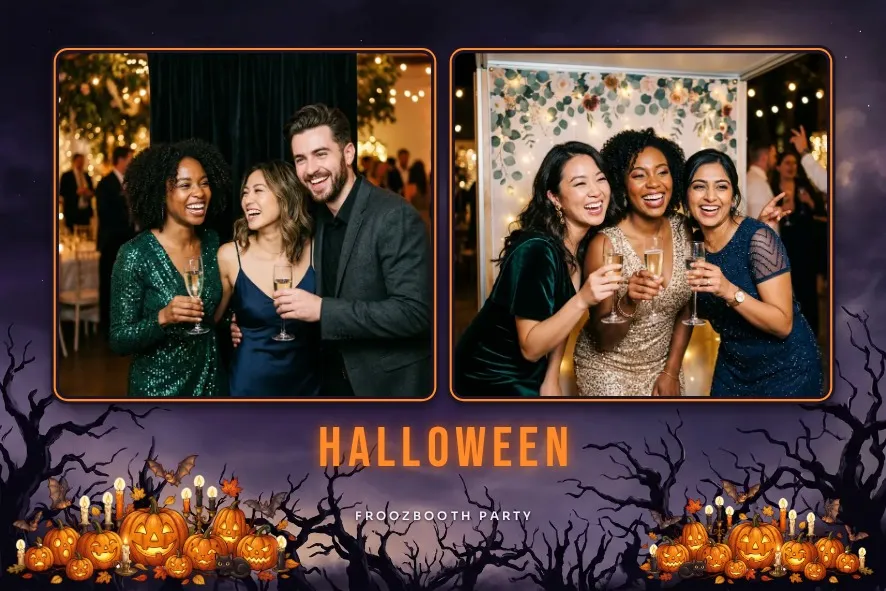

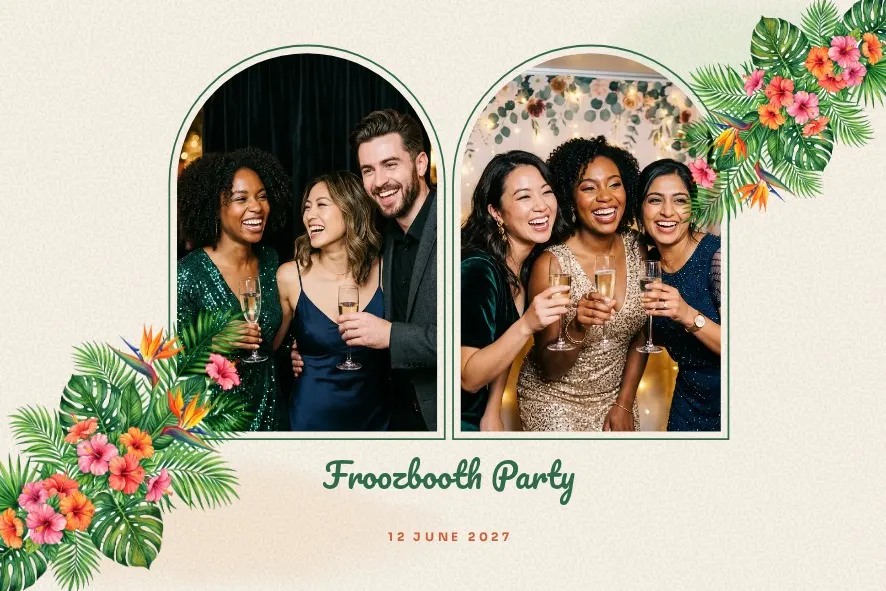

Download any template as a transparent PNG and a layered PSD. Edit it in the tool you already know.
Drop the edited PNG back in: Froozbooth finds the photo windows on its own, transparent or painted green.
4x6 prints, 2x6 strips, 1 to 4 photos, at 300 dpi.
Templates designed and offered for free by Froozbooth.
Hardware
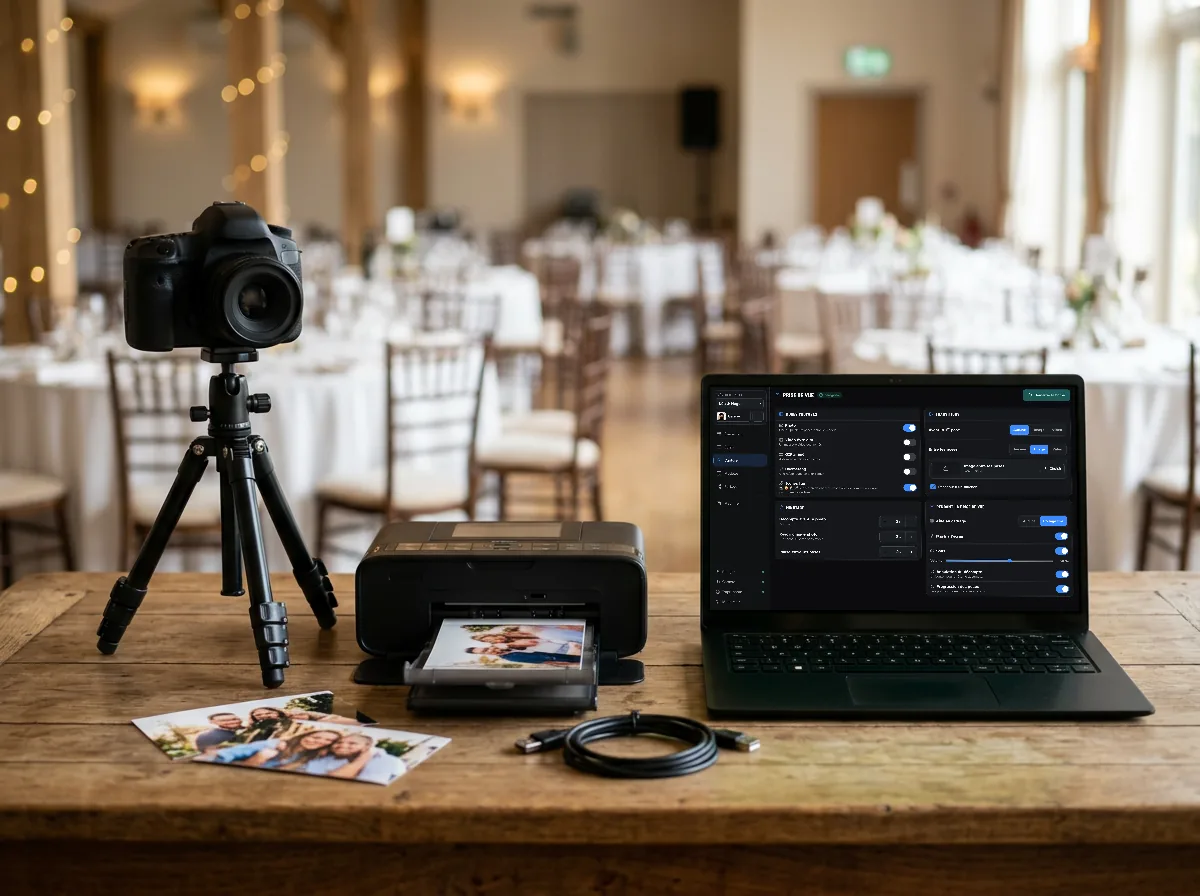
Native Canon control, dye-sub printers, any Windows PC.
Pricing
Two machines on every plan, no sales call. Your choice. Cloud is an optional add-on.
All three plans include the same features. If you cancel a subscription, your booths lock at the end of the paid period.
Add-ons
15-day free trial, no credit card. Photos carry a watermark during the trial. Prices in euros.
Compare
Next to LumaBooth, dslrBooth and Sparkbooth, on what matters to an operator.
| What you get | LumaBooth & co. | |
|---|---|---|
| Price | From €139 a year, or €449 lifetime | Subscription, or license by edition |
| Gallery, QR and email | Included on every plan | Add-on or subscription |
| DSLR control | Included | Sometimes extra |
| Machines included | 2 | 1 or 2, by plan |
| Photo hosting | Europe, GDPR | Often outside the EU |
Detailed comparisons2026 comparisonSparkbooth alternativeEnjoy Selfie alternativeBoothLedger alternativeLumaBooth alternativedslrBooth alternativeSimple Booth alternative
FAQ
Nothing stops. After one sync, the booth captures, prints and shows the QR code offline. Emails go out as soon as the network is back.
A Canon EOS camera with native control, or any webcam Windows recognizes. For other brands, use the maker’s webcam utility.
Yes, as long as it is installed on Windows. DNP and Citizen dye-sub printers are supported, and a test page checks the layout.
Two Windows PCs paired to the same account: a booth and its backup, or two rooms the same night. Need more? Each extra machine is €59, paid once, from the dashboard. With Froozbooth Cloud, you get three.
Pick your plan: €14 a month, €139 a year, or €449 once for life. The watermark goes away right away. No card is needed for the trial.
Not necessarily. The lifetime license is €449, paid once, and never locks. If you prefer a subscription, monthly (€14) or yearly (€139), there is no commitment; if you cancel, your booths lock at the end of the paid period. Every plan covers two machines. Gallery, QR, email, updates and 10 GB of online storage are included. Froozbooth Cloud, at €29 a year, is an optional add-on you can cancel anytime: 100 GB more, email from your own domain, remote booth controls and a third machine.
Sparkbooth sells a cheaper lifetime license ($149, or $189 for the DSLR edition). Froozbooth is €139 a year, or €449 once for life, with Canon control included and no separate edition. You also get online event setup, a cloud gallery with QR sharing, and two machines on every plan. Check Sparkbooth’s current pricing on its site.
In Paris, France (AWS eu-west-3), under GDPR.
Yes. Rebuild your templates and events in the dashboard, install the booth and pair it. There is no automatic import.
Download the installer and run it on the booth’s Windows PC (it does not open on a Mac). If Windows shows “Windows protected your PC”, click “More info”, then “Run anyway”.
Create an account, install the booth, start an event. Fifteen minutes, no credit card.