What a wedding asks of your booth
Weddings want elegant prints and a gallery for the couple. Guests take the strip home, so the design has to match the day. And the couple wants every photo, not only the ones they saw on the night.
- A template that matches the invitations, with the couple’s names and the date.
- Prints guests can take home, as 4x6 prints or 2x6 strips.
- Messages from guests, not only photos.
- A gallery link for the couple after the wedding.
- A booth that keeps running when the venue Wi-Fi does not.
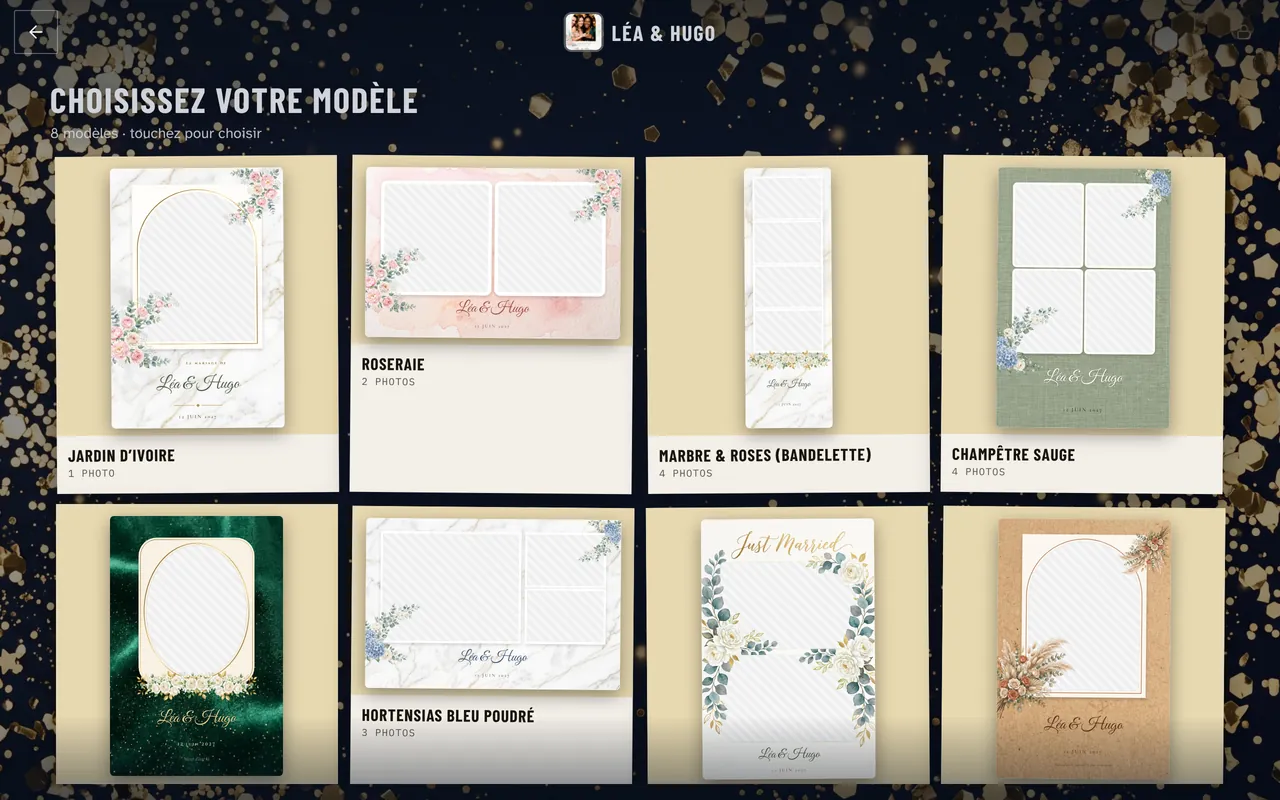
Elegant templates with the couple’s names
Froozbooth includes over 300 free templates, with a full wedding collection next to art deco and other styles. Names and date fill in automatically for each event, so you never retype them on a Friday night. Browse the free photo booth templates
You can also send the couple a link: they pick their template and type in their names, and you approve it. Want a custom design? Download any template as a transparent PNG or a layered PSD, edit it in Canva or Photoshop, and drop it back in.
Prints and strips guests take home
Each template sets its own format: a 4x6 print in landscape or portrait, or a 2x6 strip. Strips come out two per 4x6 sheet, ready to cut, at 300 dpi.
- Dye-sub printingDNP and Citizen printers, or any printer installed on Windows.
- Print limitsCaps per guest and for the whole event, with a counter on screen.
- Second printerIt can take over if the first one fails mid-reception.
- FiltersBlack and white, sepia or B&W Glam, set for the event or picked by guests.
Not sure which camera or printer to buy for weddings? The hardware guide lists what works with Froozbooth. Photo booth hardware: camera, printer, PC
A video guestbook for the couple
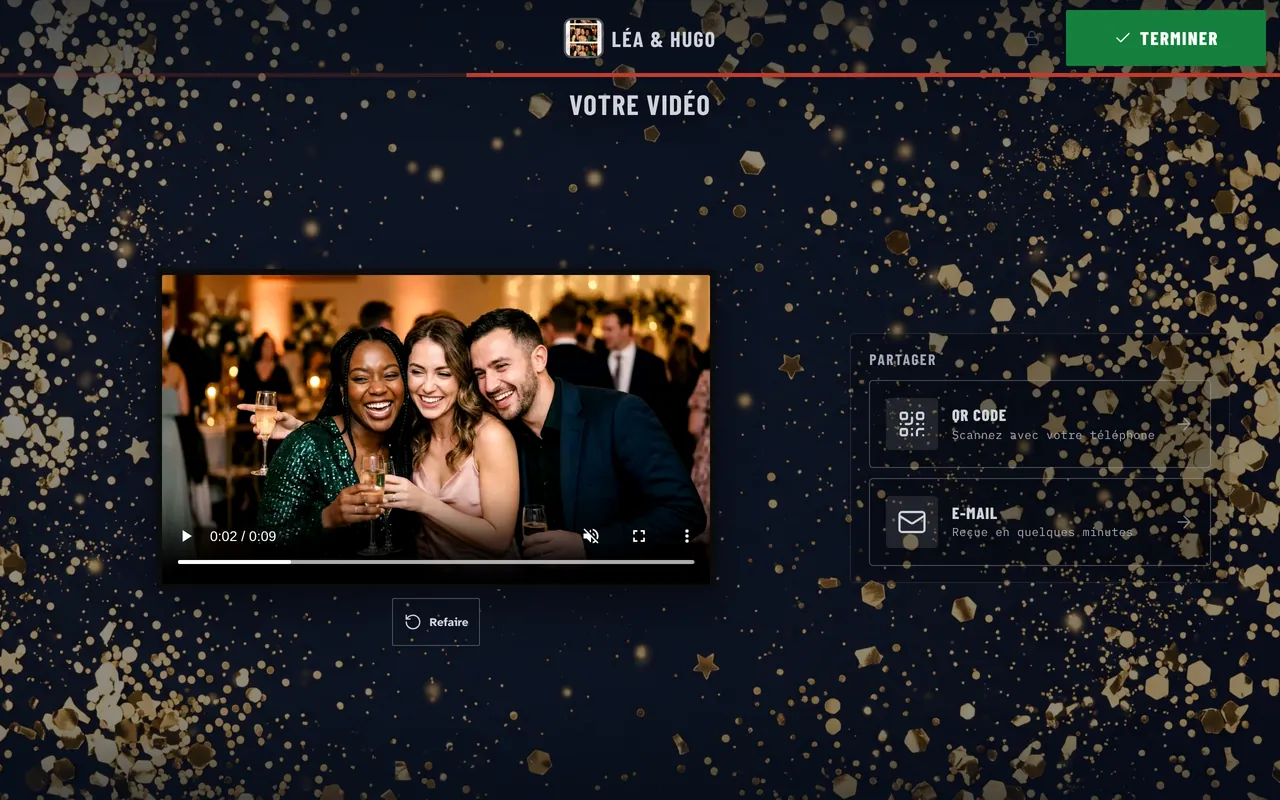
Guests can leave a video message for the couple, right at the booth. You set the length from 5 to 30 seconds per message. It is a separate mode you turn on per event, and messages are shared by QR code and email.
A video guestbook is also an option you can sell. It belongs in your wedding packages, not as a free extra. How much to charge for a photo booth rental
A gallery for the couple, and a night without Wi-Fi worries
- Every event gets its own online gallery: send the link to the couple the next day.
- Guests scan a QR code to get their photo on their phone, with no app to install.
- The gallery link lasts 90 days by default; choose 30, 365 days or never.
- An optional PIN code keeps the gallery private.
- After one sync, the booth captures, prints and shows the QR code offline. Sends go out when the network is back.
- A slideshow can play the night’s photos on a wall screen, with no network needed.
Every feature used at a wedding is included in every plan, with no add-on modules; only AI portraits, if you sell them, are paid with prepaid credits. Every Froozbooth feature
Want a different scene behind the guests? Green screen takes them to the place of the proposal or the honeymoon city, with the same backdrop on the print and the shared photo, and no network needed. Green screen photo booth
Frequently asked questions
What is the best photo booth software for weddings?
Look for elegant templates that fill in the couple’s names and date, 4x6 prints and 2x6 strips, a video guestbook, a gallery for the couple and offline running. Froozbooth covers all of these on Windows, from €139 a year or €299 once, for two machines.
Can the couple choose their own photo booth template?
Yes. In Froozbooth you send the couple a link: they pick a template and type in their names, and you approve it. You can also add several templates to the event so each guest picks one on screen.
Can guests record video messages at a wedding photo booth?
Yes, with the Froozbooth video guestbook. You set the maximum length from 5 to 30 seconds per message, and messages are shared by QR code and email. Check that the PC has a microphone, or the video is silent.
How does the couple get all the photos after the wedding?
Each event has its own online gallery. You send the link to the couple, and guests find and download their photos there. The link expires 90 days after the event by default, and you can change that on the event page.